AI Virtual Try-On
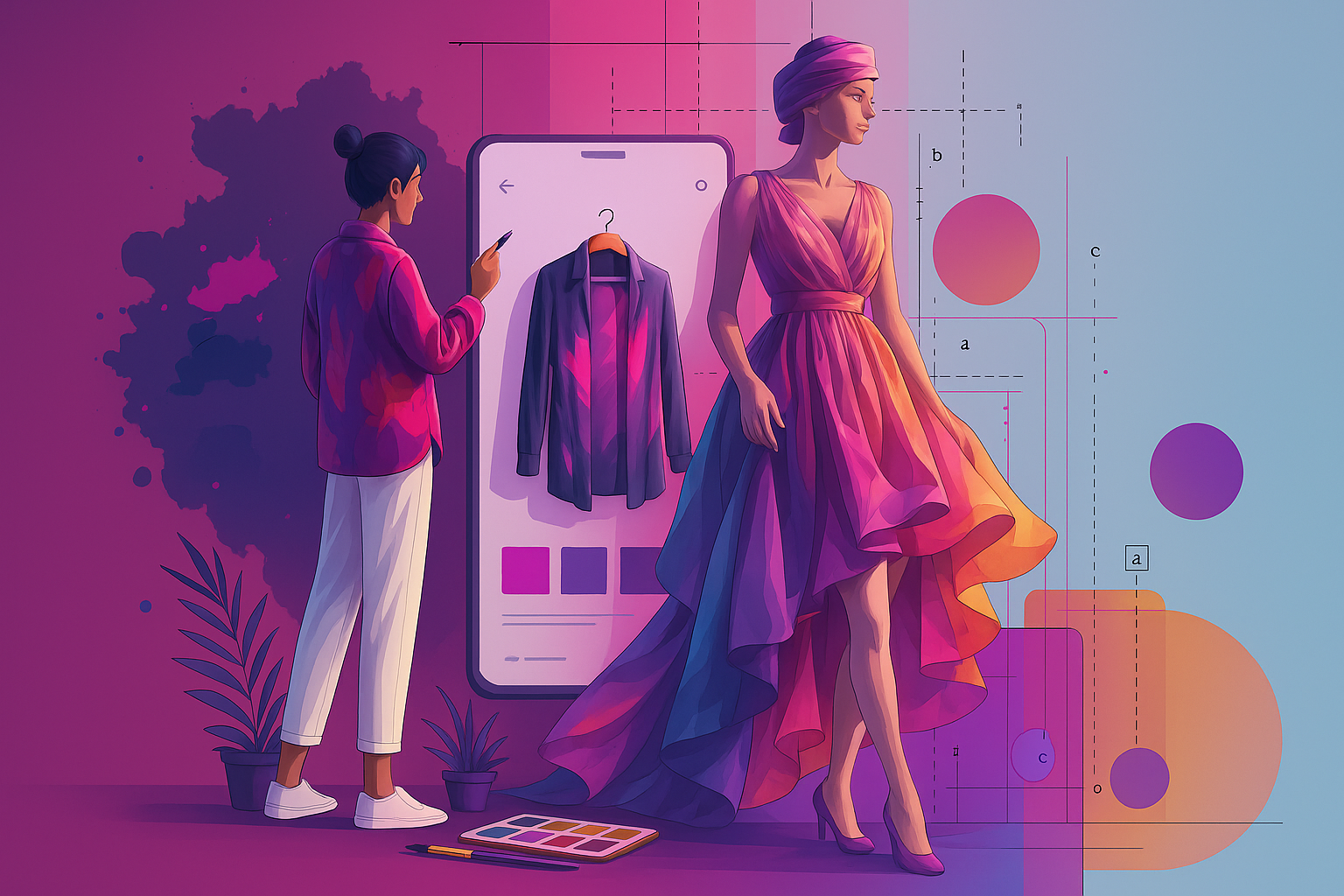
Visualize garments on any body type instantly. Swap clothes on existing model photos with photorealistic drape and lighting adjustments.
Create and edit outfits, try on styles, and remix looks in seconds. Upload a photo or start from a prompt — get studio-grade visuals ready for moodboards, lookbooks, and e-commerce.
Transform your fashion visions into reality
Enhance and modify existing fashion images
Upload an image to edit
JPG, PNG, WebP • Max 5MB
Swap garments, colors, textures, or prints while keeping pose and lighting intact.
Upload multiple references to merge silhouettes and aesthetics into one new look.
Maintain face/body consistency across edits for cohesive campaigns.
Revolutionize your design process with 4 Fashion AI. From virtual try-ons to sketch-to-image conversion.
Skip the expensive photoshoots. Generate editorial-grade images for lookbooks, PDPs, and social media in seconds.


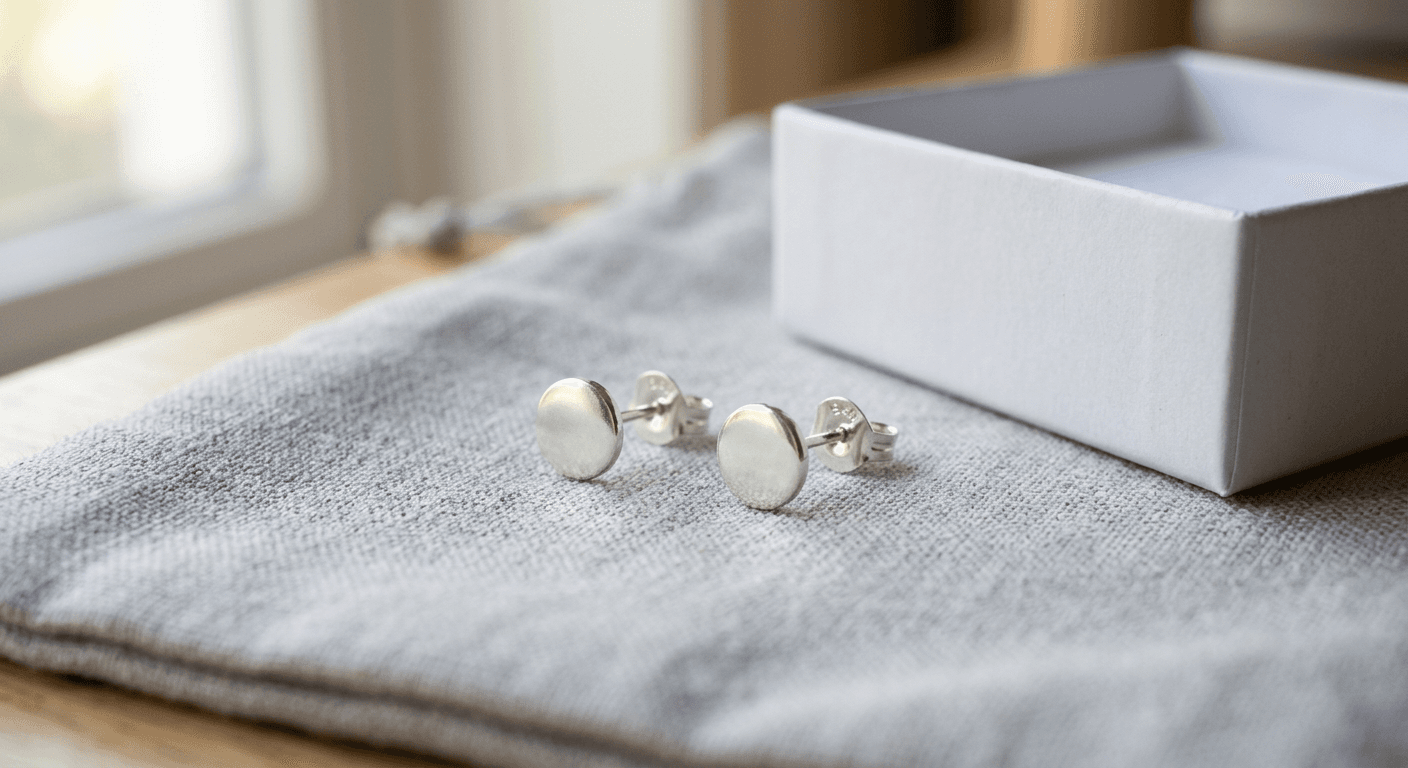
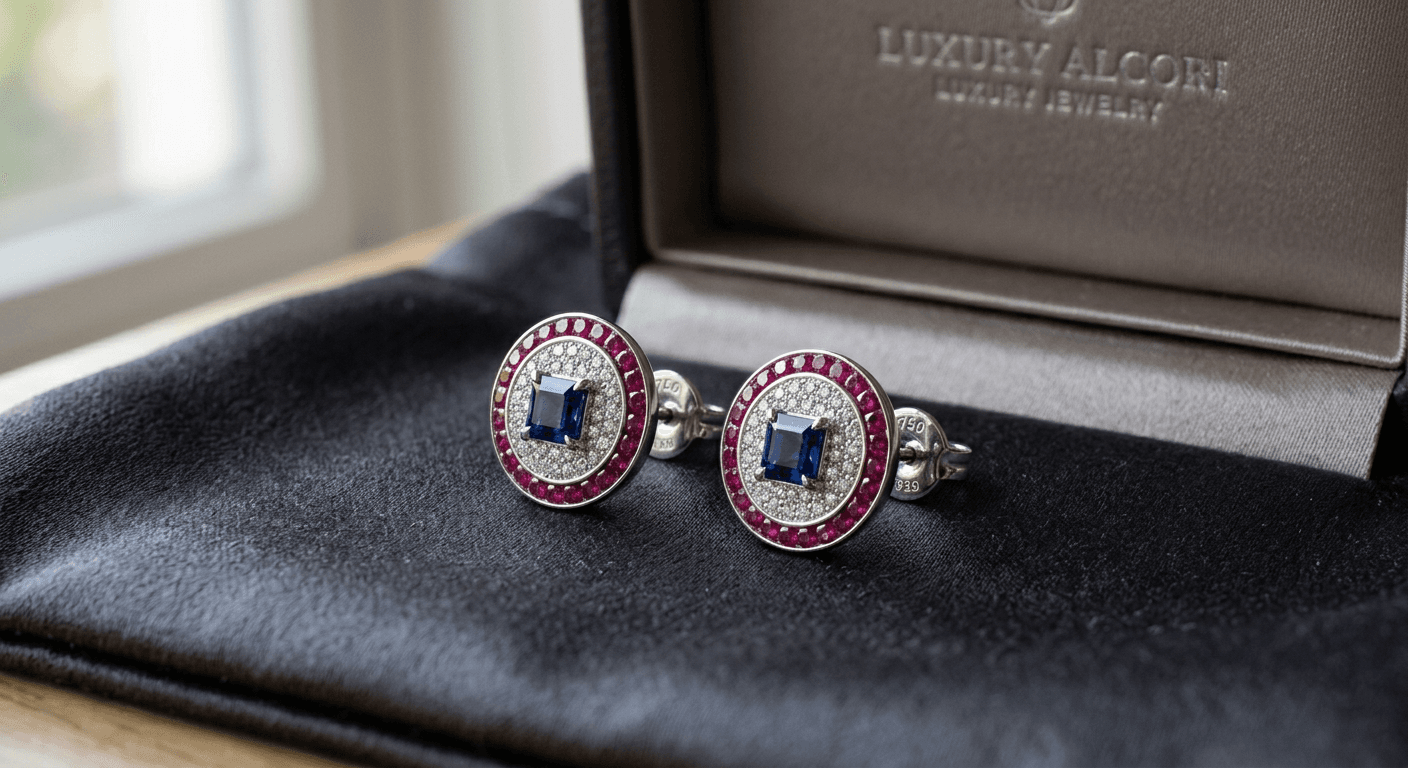
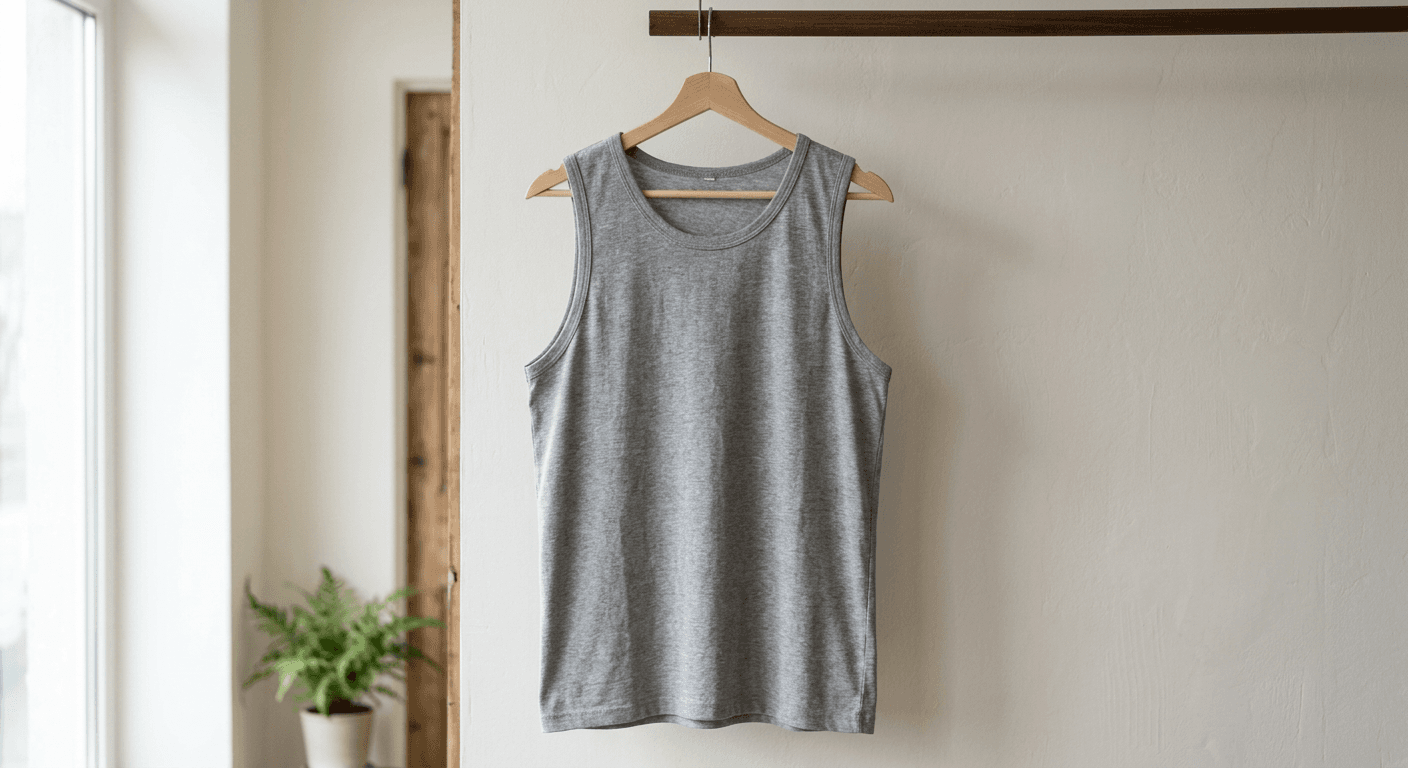
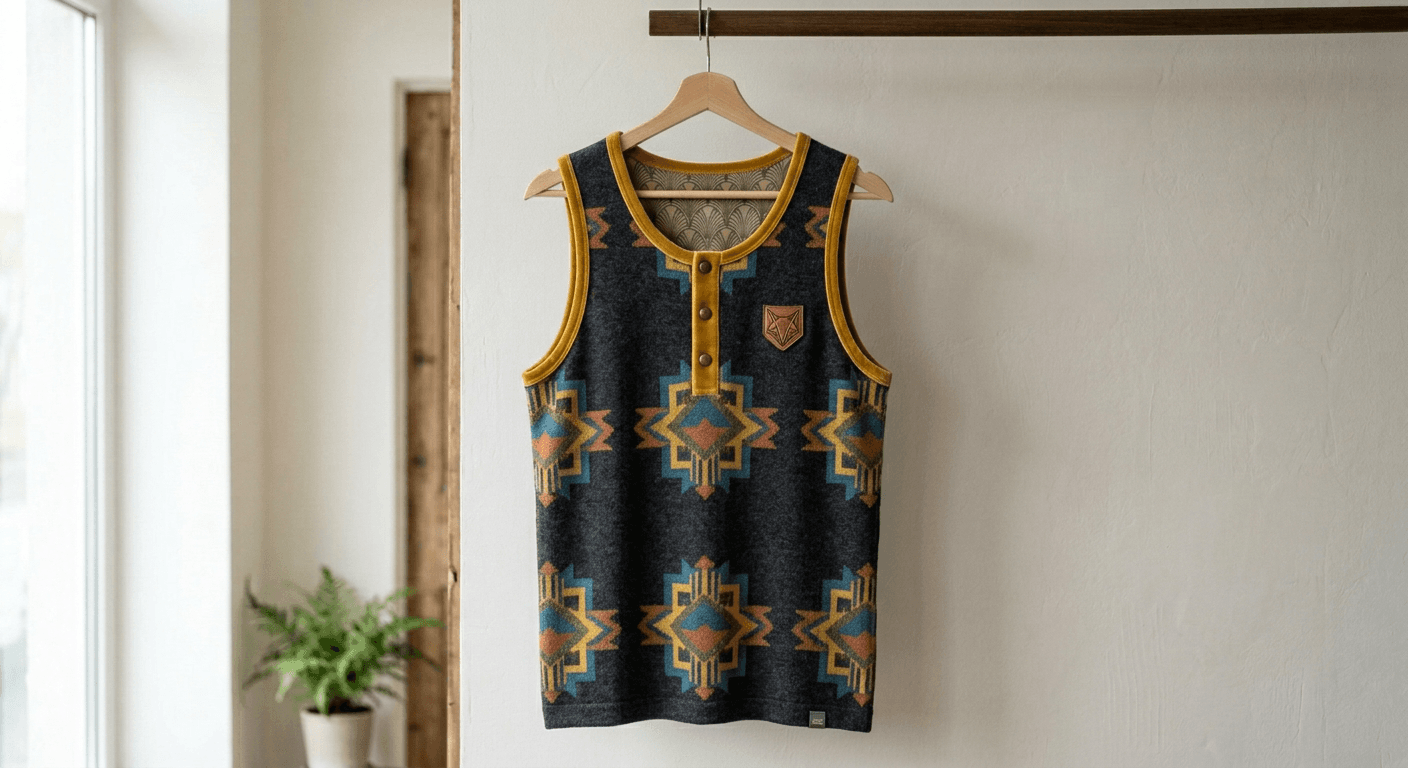
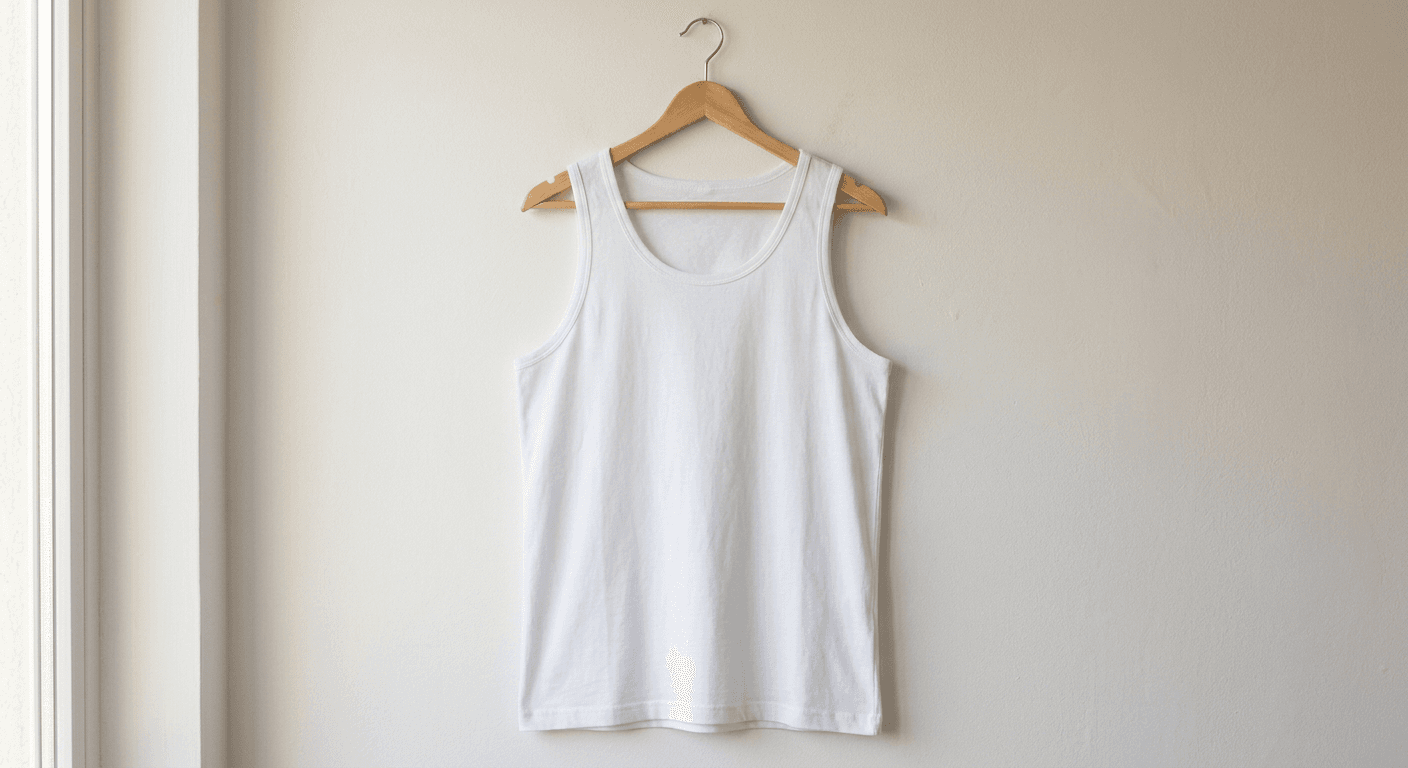
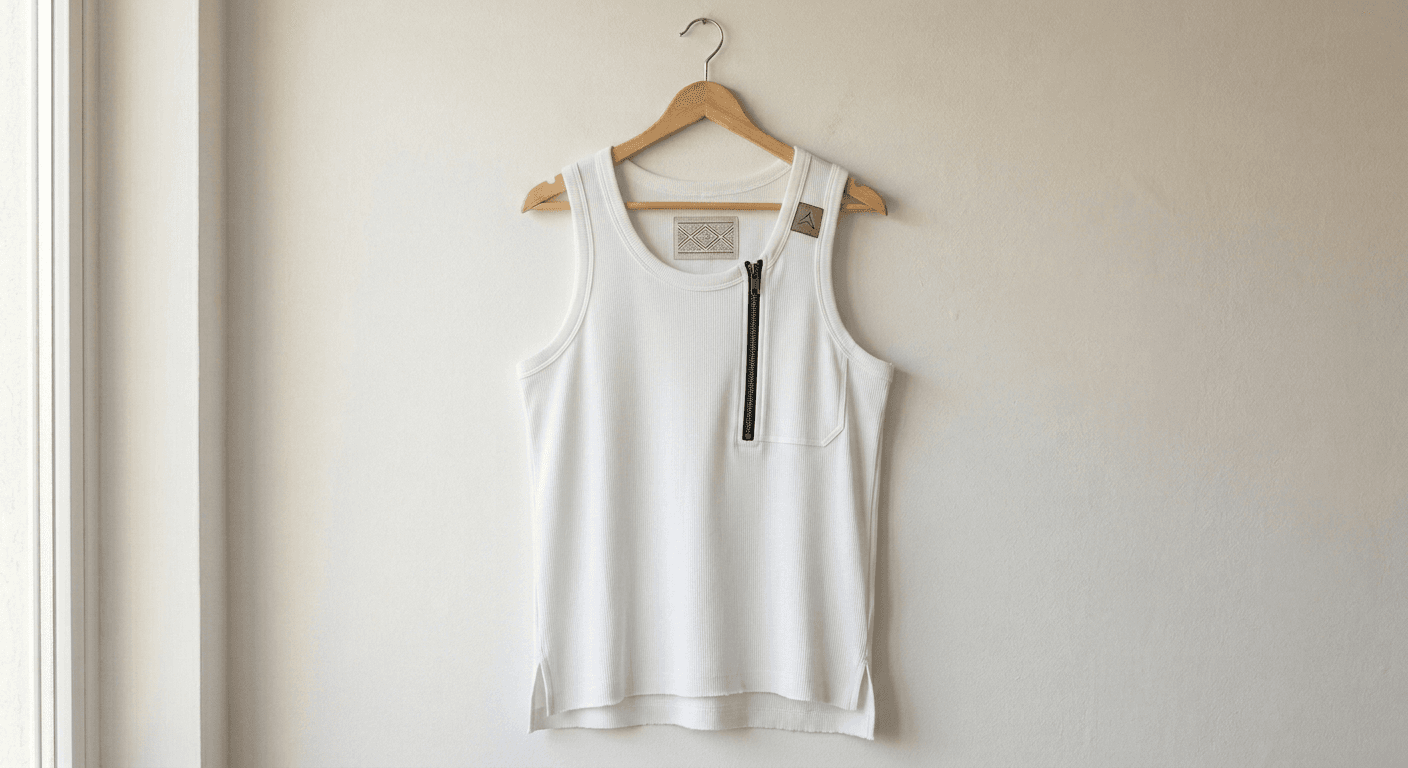
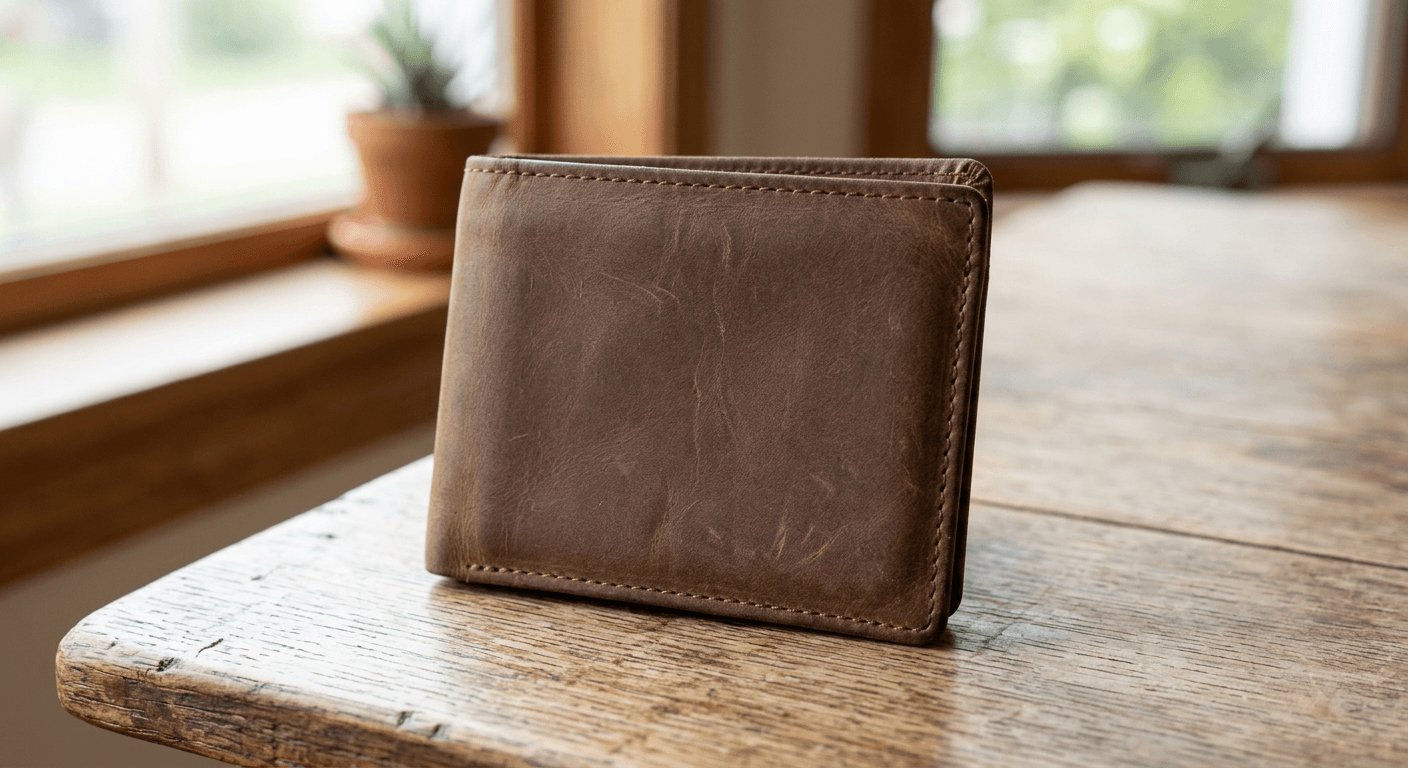
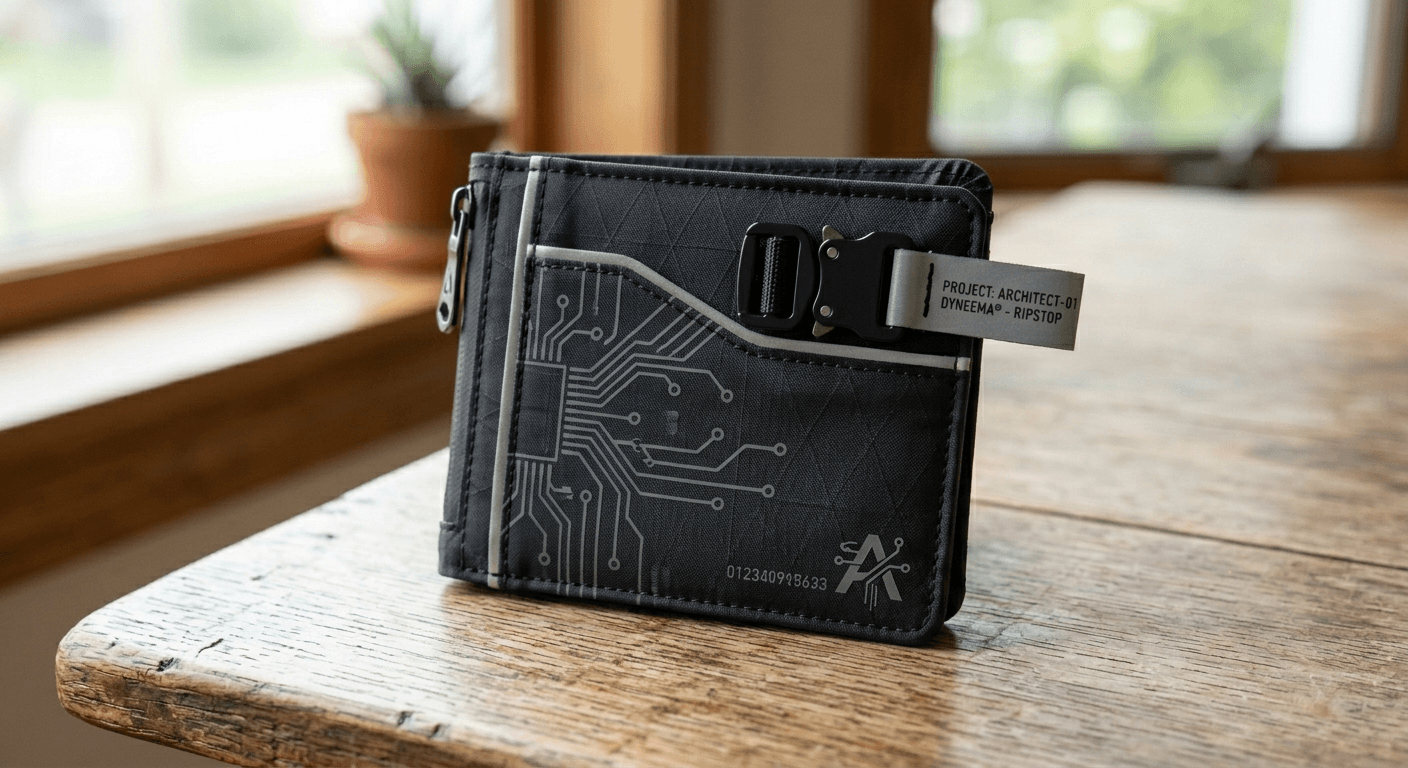
A fast overview of the core fashion workflows. Browse the images below. Where available, we show Before/After; otherwise a single representative image.
Generate 20–100 paid-ad creative variants per flight from one image. Rotate angles, crops, placements • brand tokens locked.
One master shot → localized talent & settings per market (e.g., Seoul street, Paris café) while preserving drape, light, and camera.
Upload a model photo + product image. Keep the same person while swapping styling/setting; product anchors logos, prints, fabric.
Say “make the dress satin”, “remove crease”, or “relight softly” — local edits on real photos without painting masks.
Turn rights‑cleared creator selfies into shoppable assets: background cleanup, gentle relight, subtle brand elements, SKU links.
Accelerate your design workflow. From concept to campaign without samples.
Visualize garments on any body type instantly. Swap clothes on existing model photos with photorealistic drape and lighting adjustments.
Turn fashion sketches and flat lays into realistic high-res images. Perfect for visualizing tech packs before manufacturing.
Generate diverse, royalty-free AI fashion models. Keep face identity consistent across different outfits and poses for cohesive campaigns.
Join thousands of designers, e-commerce managers, and creators using 4 Fashion AI to visualize the future of fashion.
Start Generating FreeNo credit card required for trial • Commercial rights included
Discover specialized AI models for every fashion style and garment.
Choose a tool. Your canvas appears instantly — no bouncing around pages.