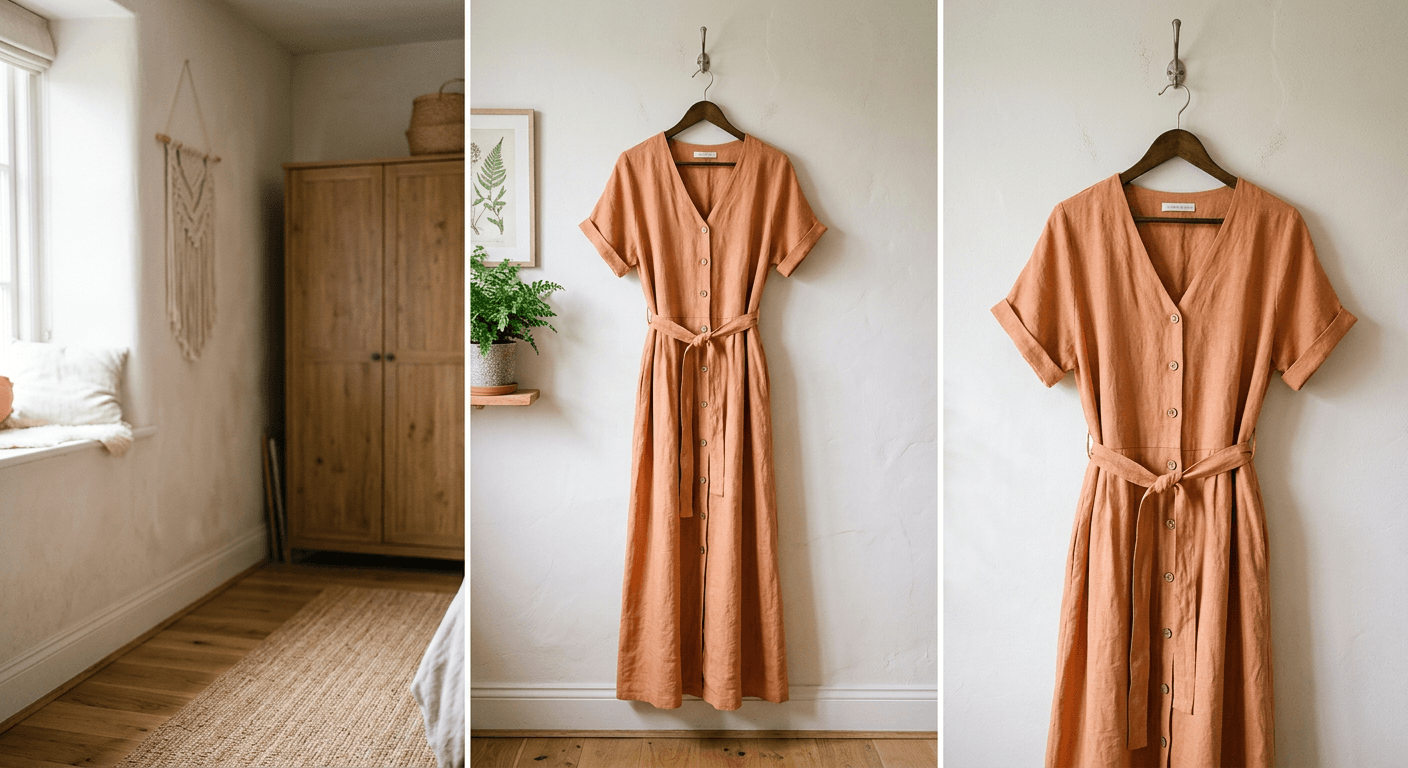
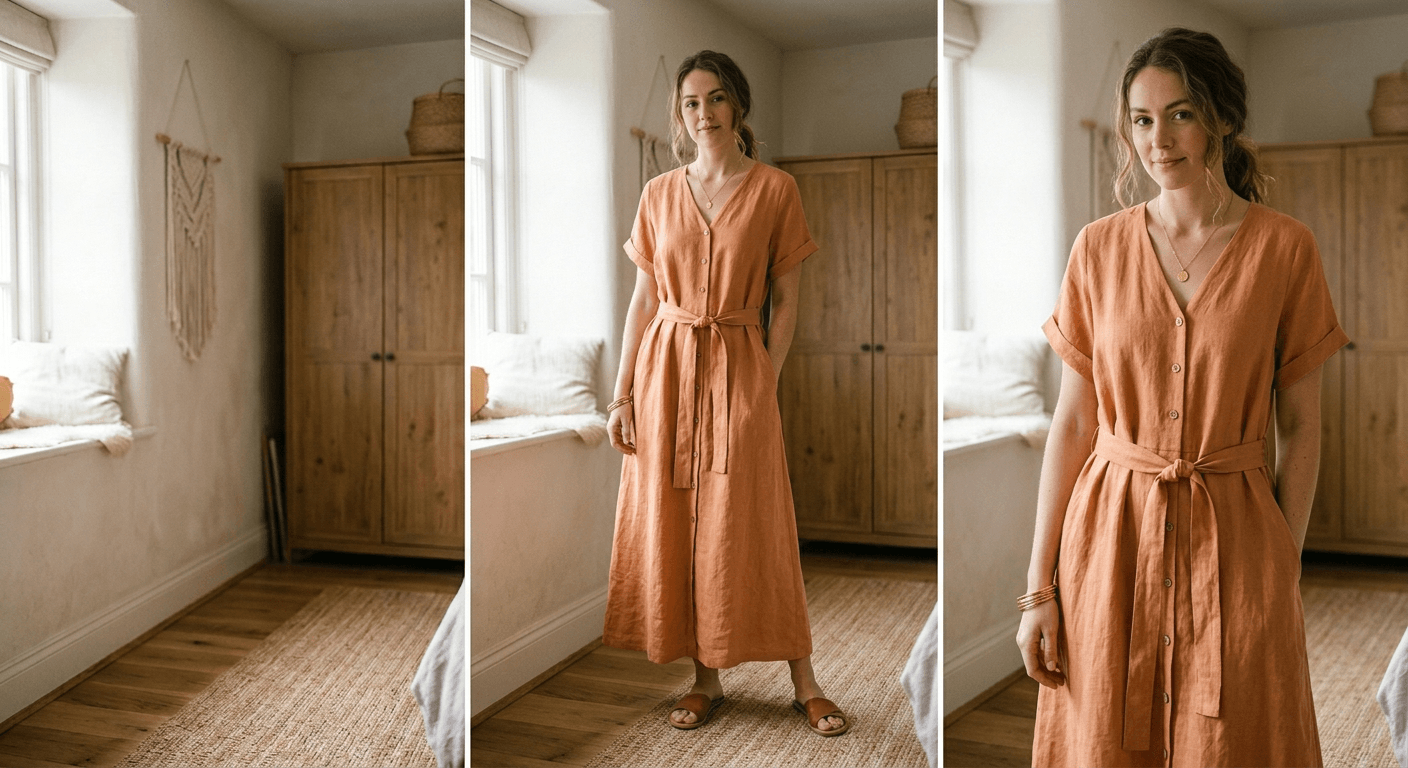
Ghost Mannequin AI:
The Invisible Mannequin Effect in Seconds.
Showcase the true volume, fit, and structure of your garments without the distraction of a visible mannequin. Elevate your ecommerce apparel photography with flawless, automated 3D hollow-man effects.
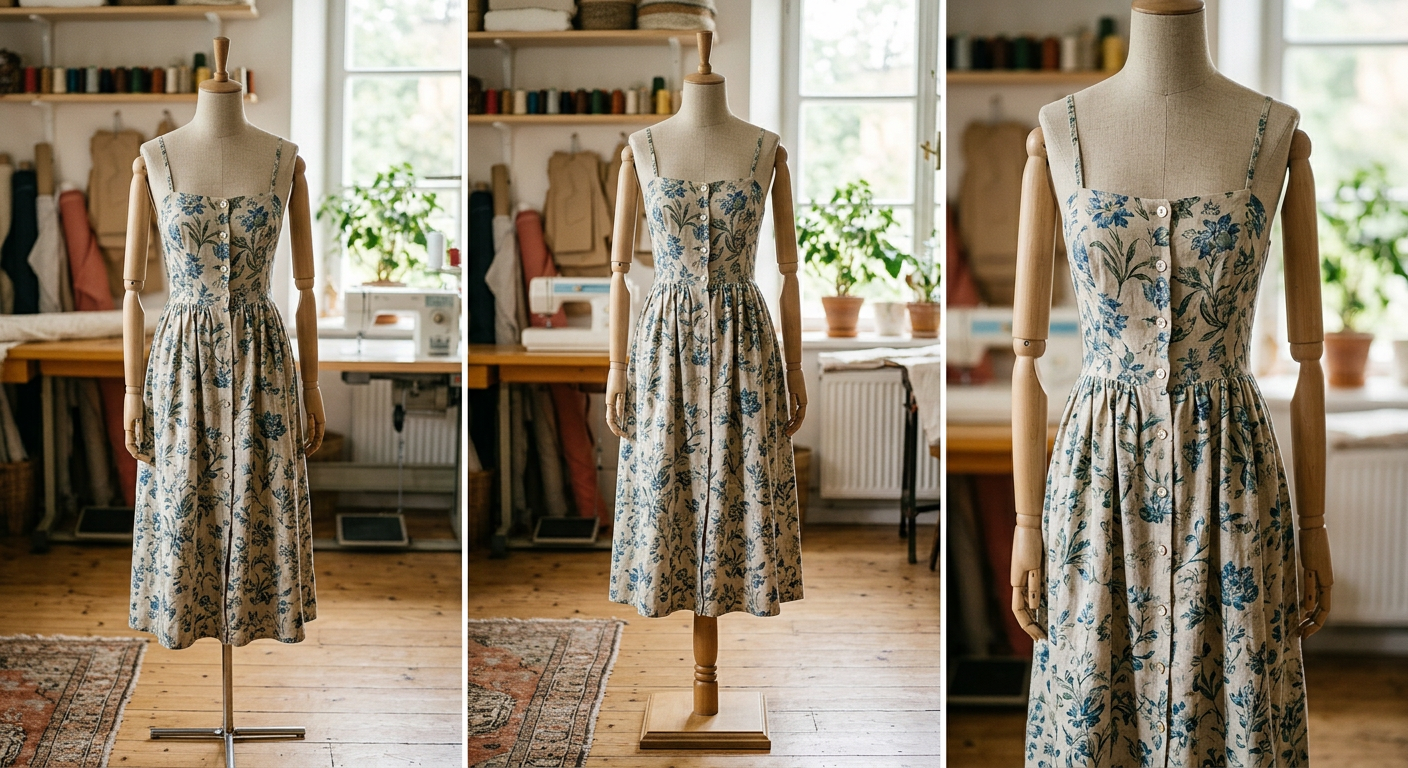
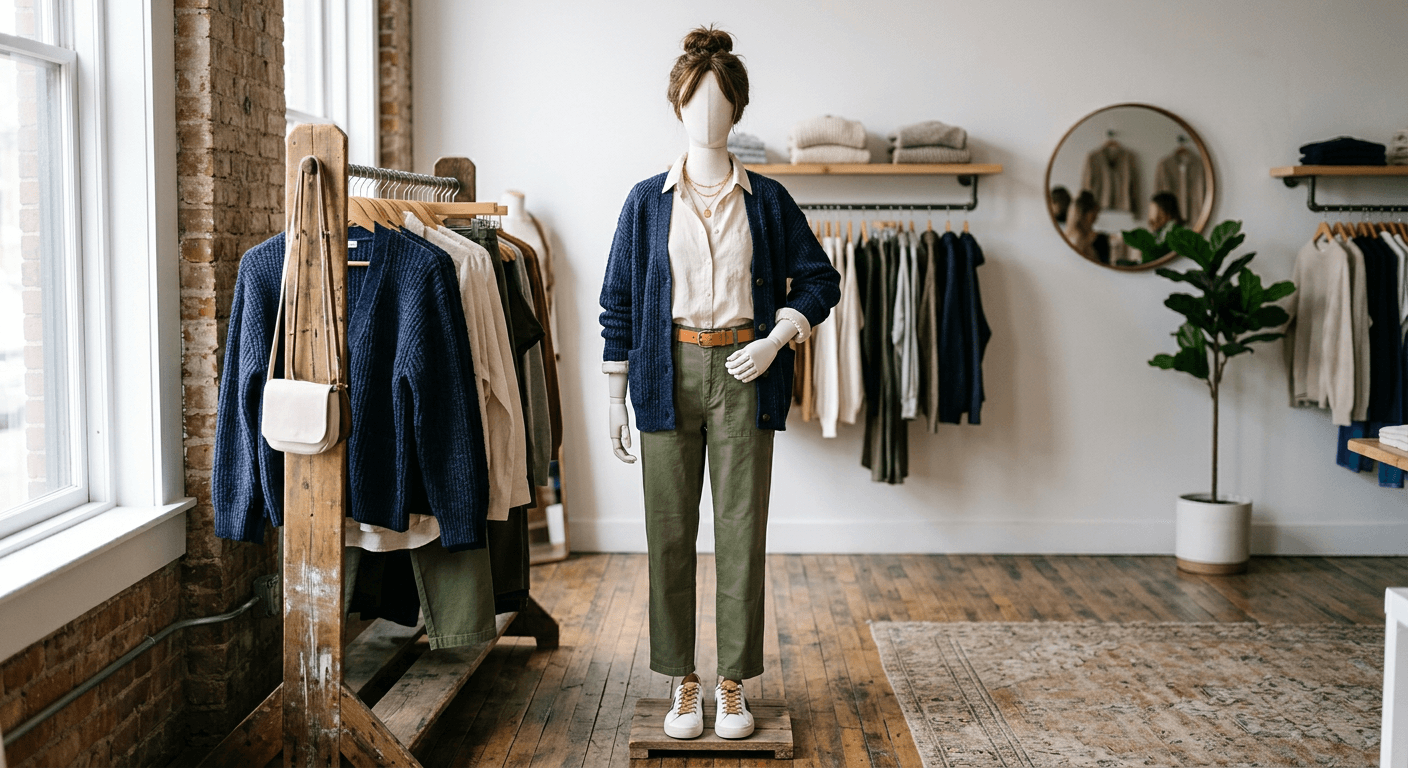
Standard photography leaves styling tools, mannequins, and harsh necklines visible, distracting from the garment's design.

The 4fashionai invisible mannequin effect seamlessly reconstructs inner collars, linings, and natural shadows in seconds.
What is the Invisible Mannequin Effect?
The invisible mannequin effect—frequently referred to in the fashion industry as the ghost mannequin effect or the 3D hollow man technique—is a highly sought-after post-production editing style used in ecommerce apparel photography. It allows clothing to be displayed as if it is being worn by an invisible person, giving the garment a realistic, three-dimensional shape and volume while keeping the focus entirely on the product itself.
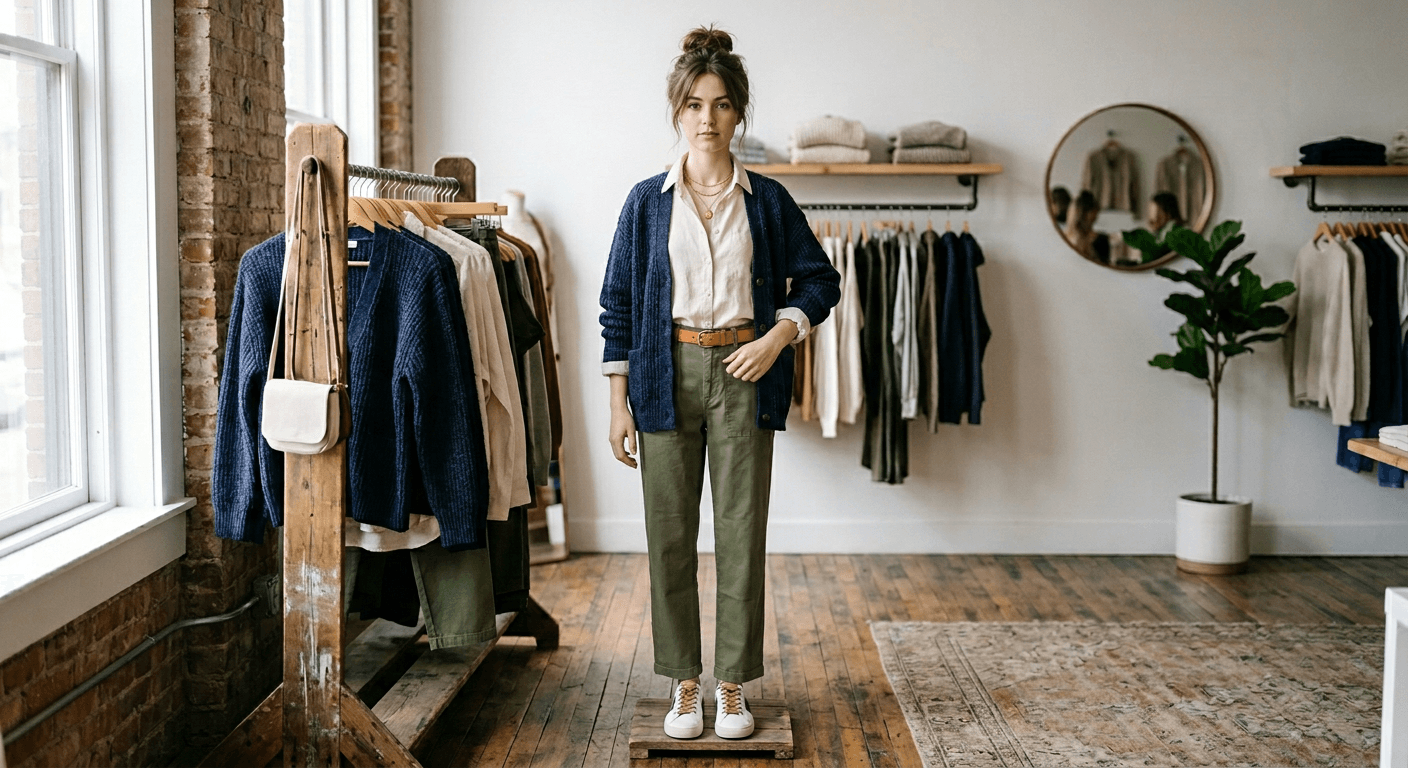
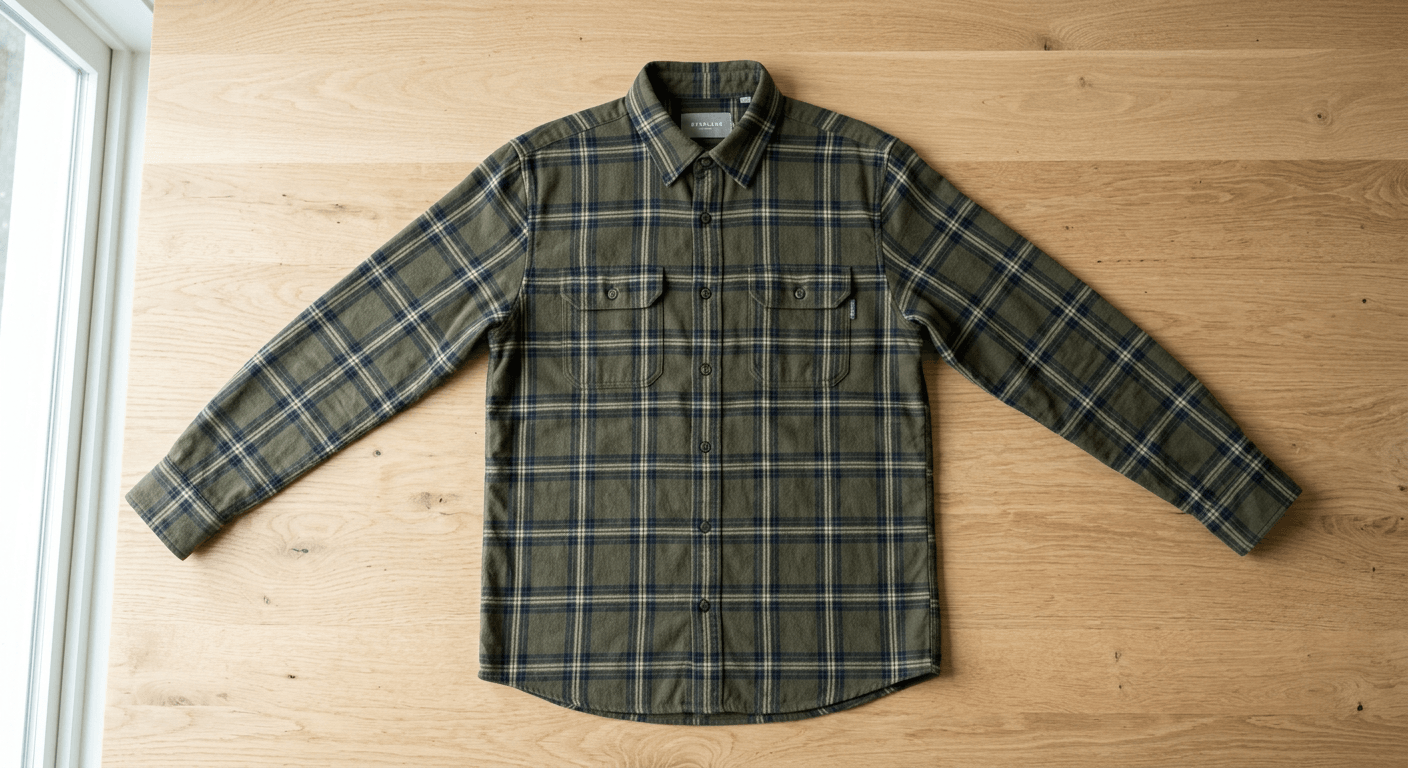
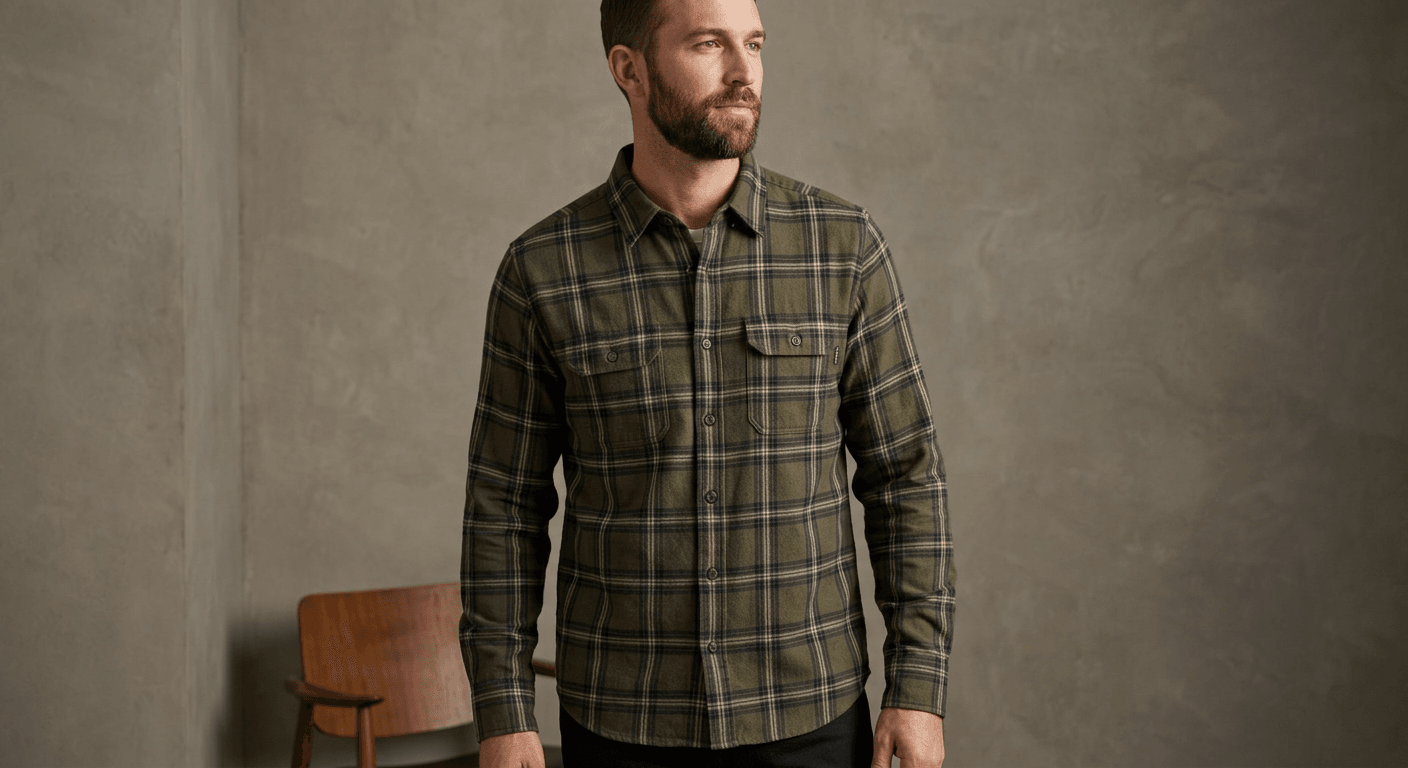
In traditional ecommerce photography, brands face a dilemma. Flat lay photography can make clothes look lifeless and fail to demonstrate fit. Hiring fashion models for every SKU is incredibly expensive, time-consuming, and can sometimes distract from the garment due to the model's styling or appearance. Using a standard retail mannequin solves the volume issue, but leaving a plastic or fiberglass dummy visible in your final product shots severely diminishes the perceived value of your brand.
The invisible mannequin effect bridges this gap. By meticulously removing the visible mannequin and digitally reconstructing the internal areas of the garment (like the inside collar, back neckline, or inner hem), fashion retailers can present a clean, consistent, and premium visual experience. However, until the advent of 4fashionai.com, achieving this look required intensive manual photo manipulation.
The Evolution of Ghost Mannequin Photography
Historically, creating the ghost mannequin effect required a complex photographic setup. Photographers had to shoot the garment on the mannequin, then shoot a separate image of the garment inside-out (the "inlay" or "neck joint" shot). A highly skilled retoucher in Photoshop would then use clipping paths to cut out the mannequin, merge the two images, and manually paint in the shadows to create the illusion of depth.
- 1
Eliminate Complex Photoshoots
With 4fashionai.com, you no longer need to take secondary "neck joint" shots. Simply snap a photo of the clothing on your standard studio mannequin or styling dummy.
- 2
Instant AI Reconstruction
Our advanced neural networks understand garment topology. The AI automatically identifies the mannequin, removes it, and generatively reconstructs the missing inner collar and back lining with photorealistic accuracy.
- 3
Perfect Shadows & Depth
A true 3D hollow effect requires accurate lighting. The 4fashionai engine applies contextual internal shadows that match the original lighting of your studio shot, resulting in a flawless final image.
Why High-End Brands Choose the Hollow Man Effect
Increased Conversion Rates
Shoppers need to visualize how a garment drapes. The 3D volume provided by a ghost mannequin helps customers understand the fit, directly correlating with higher add-to-cart rates.
Reduced Return Rates
When product representation is accurate and structural details are clear, customers receive exactly what they expect, significantly lowering return logistics costs.
Unmatched Grid Consistency
A category page filled with uniform, beautifully shaped ghost mannequin photos creates a premium, distraction-free browsing experience that elevates your entire brand identity.
How 4fashionai Synthesizes Garment Structure
The magic behind the 4fashionai invisible mannequin generator lies in our proprietary fashion-centric vision models. Unlike generic background removal tools that simply cut out the background and leave an awkward, jagged hole where the mannequin's neck used to be, our AI performs generative reconstruction.
When processing clothing product photos, the AI executes a multi-step workflow in milliseconds:
- Semantic Segmentation: The AI identifies the exact boundaries separating the garment, the visible mannequin parts (neck, arms, chest), and the background.
- Inpainting & Reconstruction: Once the mannequin is erased, the AI analyzes the garment's fabric texture, color, and pattern. It then generatively "inpaints" the inner back of the garment. If it's a tailored blazer, it reconstructs the structured inner lining. If it's a knit sweater, it replicates the accurate knit pattern on the inside collar.
- Lighting Synchronization: The system analyzes the directional light from the original photograph. It casts accurate internal drop shadows on the newly generated inner lining, giving the garment that essential 3D, hollow volume.
- Edge Smoothing & Finishing: Finally, the AI refines the collar edges and hemlines to ensure there are no jagged pixels or artificial halos, resulting in a crisp, catalog-ready image.
Whether you are processing t-shirts, complex outerwear, delicate dresses, or structured tailoring, 4fashionai.com adapts to the material properties of the clothing to ensure the invisible mannequin effect looks entirely authentic.
Ghost mannequin AI — FAQ
What is the ghost mannequin effect?
The ghost mannequin (or invisible mannequin) effect shows a garment as if worn by an invisible person: the clothing keeps its 3D shape and you can see the inside of the neckline, but no mannequin or model is visible. It is a standard look for apparel product pages.
What photo do I need?
A clear photo of the garment on a mannequin, on a hanger or as a flat lay, ideally on a plain background. Upload it and the AI removes the mannequin and rebuilds the inner collar, back lining and natural shadows.
Is the result ready for Amazon and Shopify?
Ask for a pure white background in the description and you get a clean marketplace-style image. For Amazon main images, check the current marketplace image rules for your category before uploading.
How is this different from manual ghost mannequin retouching?
Traditional ghost mannequin photos need two shots per garment (outside and inside) and a retoucher to combine them. The AI does it from one photo in seconds, so you can process a whole collection the same day.
How much does it cost?
Plans start at $19/month for 50 images (Pro: $79 for 200), with 50% off the first month on monthly Pro and full commercial rights on every plan.