

The photos a clothing store actually needs
Fashion product pages sell on images. Shoppers look at the main image in the category grid, then swipe through angles, a close-up and usually a lifestyle shot before they decide. Stores with full image sets on every product convert better than stores that only have a flat lay, and marketplaces rank listings with complete, compliant images higher.
The problem has always been cost. Producing four on-model images for every SKU means a shoot every time new stock arrives. AI ecommerce fashion photography makes the full set affordable for every product, not just the bestsellers.
What you can generate
- On-model main images. Your garment on a photorealistic model, any body type and age.
- White-background images. Marketplace-ready main images on pure white for Amazon, eBay and Google Shopping.
- Ghost mannequin images. Invisible-mannequin catalog shots from photos on a mannequin.
- Lifestyle scenes. The same product in a setting for ads, social and banners.
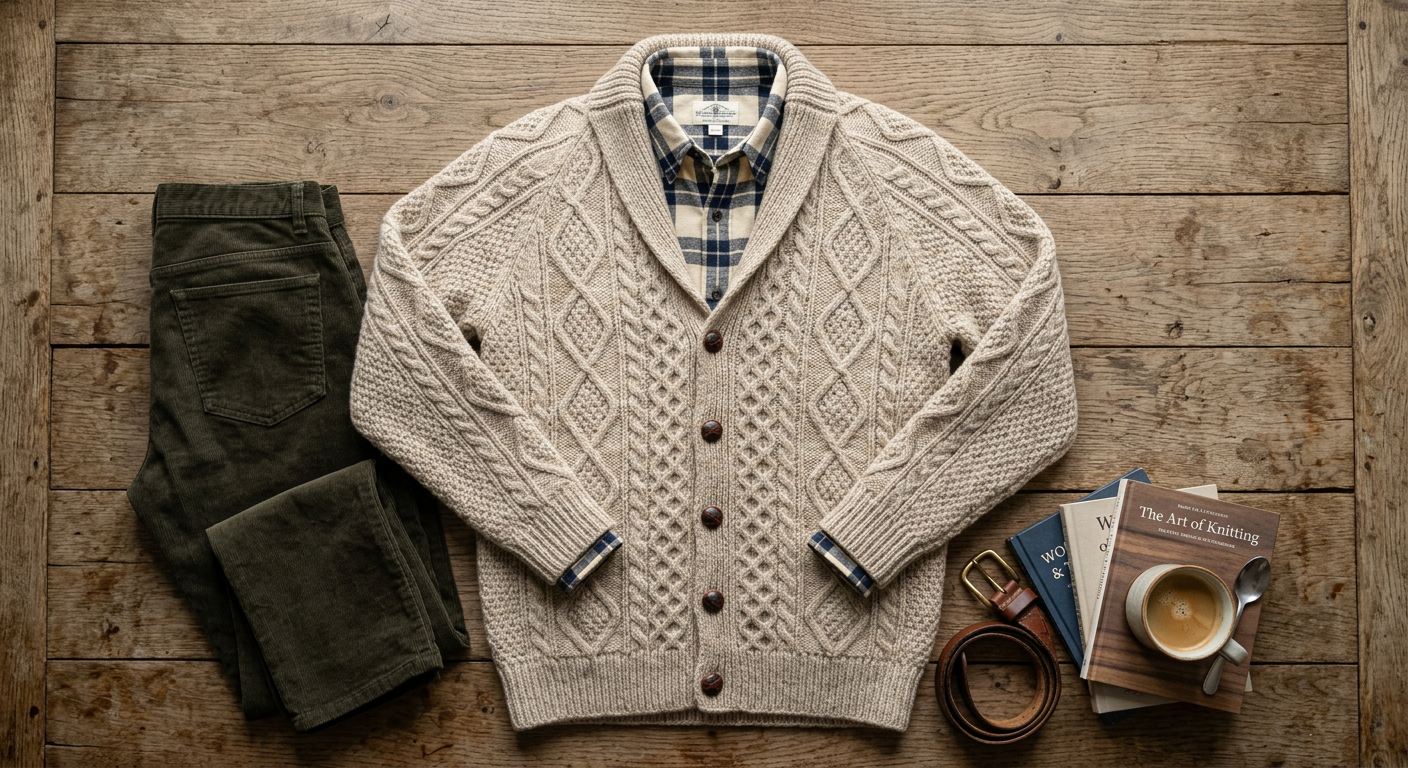
- Detail and texture shots. Close-ups that show fabric, stitching and trims.
- Clean-up of existing photos. Wrinkle removal, colour correction, lighting and shadow fixes on photos you already have.
Consistency is what makes a store look professional
A catalog looks expensive when every product sits on the same background, in the same light, on the same model. Choose those three once, write them into a short prompt you reuse, and keep the model the same by feeding the previous result back in. Category pages then read as one coordinated shoot, even if the products arrived months apart.
Time and cost compared with a shoot
A traditional ecommerce fashion shoot costs a model day rate, a photographer, a studio and retouching, and it has to be planned weeks ahead. With AI, one image usually arrives in under a minute, and a full four-image set for a product takes a few minutes including checking. On Pro, 200 images a month at $79 covers about 50 products with four images each.
Many stores use both: a real shoot for the campaign and hero products, AI for the long tail of the catalog, colour variants and new arrivals that need to go live the same day.
Keep listings honest
AI images should show the product as it is. Check colour against the physical sample under neutral light, compare print scale and logo position, and keep at least one real photo of the actual garment in each listing. Marketplaces have their own rules on main images, such as pure white backgrounds and no added text; generate to those rules for the main image and use lifestyle images further down the gallery.
A product-page photo set in one sitting
- 1
Main image
Upload the product photo and generate the garment on a model on a clean background, or on pure white for marketplaces.
- 2
Second angle
Reuse the first result and ask for the back or a three-quarter view with the same model.
- 3
Detail shot
Ask for a close-up of the fabric, collar, buttons or print so shoppers can see the quality.
- 4
Lifestyle image
Same model, same garment, in a setting that fits your brand: street, café, beach, living room.
Plans and what you get
Paid plans only. One generated image uses one credit, whatever the garment or the background.
- Starter $19/mo · 50 images
- Pro $79/mo · 200 images
- Or a one-time $29 pack: 30 photos, no subscription
- Commercial rights
- Cancel anytime