

Why stores use an AI fashion model generator
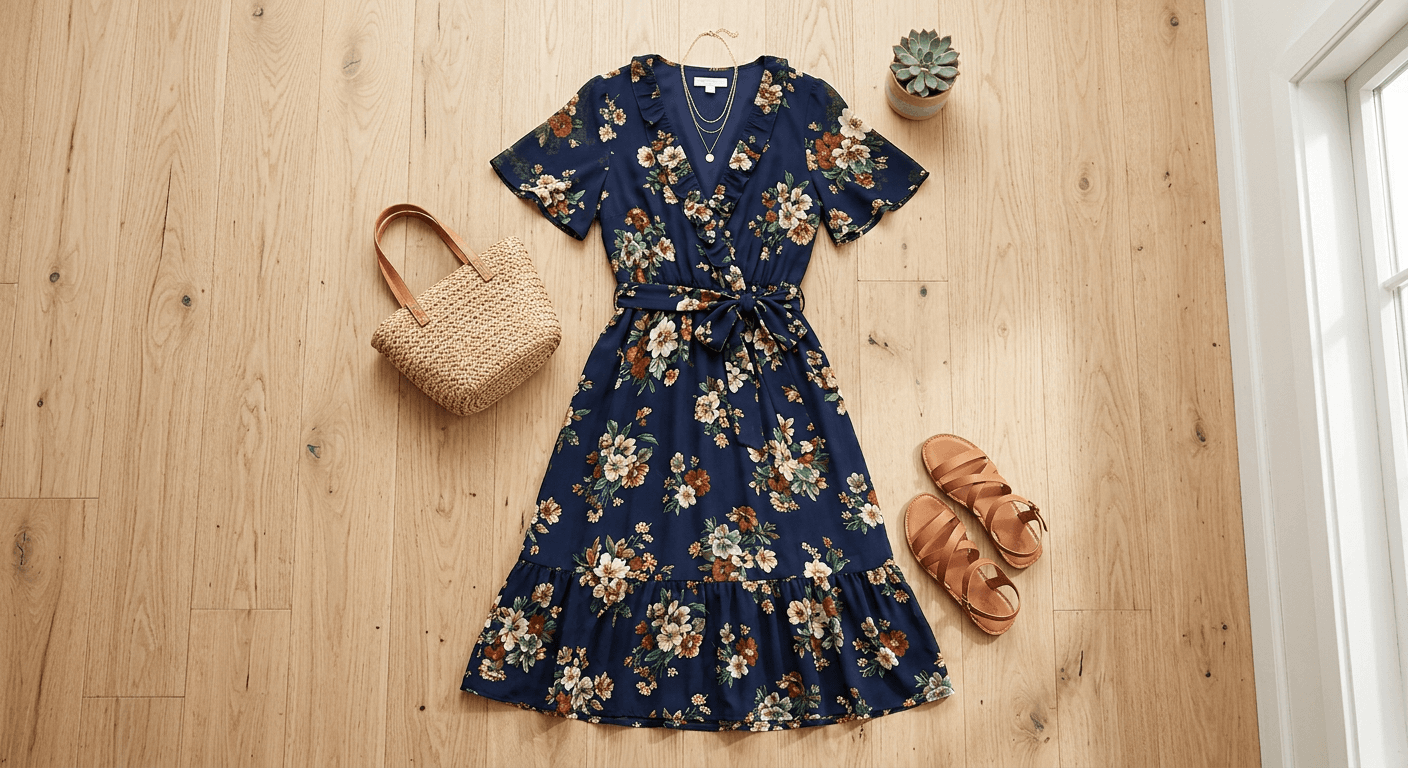
Shoppers buy clothes they can see on a person. On-model photos show length, fit and how the fabric falls, which a flat lay cannot. For a small or mid-size store, though, a model shoot means a photographer, a studio, a model day rate, hair and make-up, samples shipped back and forth, and a week of retouching. Most stores end up shooting only the hero products and leave the rest of the catalog on flat lays.
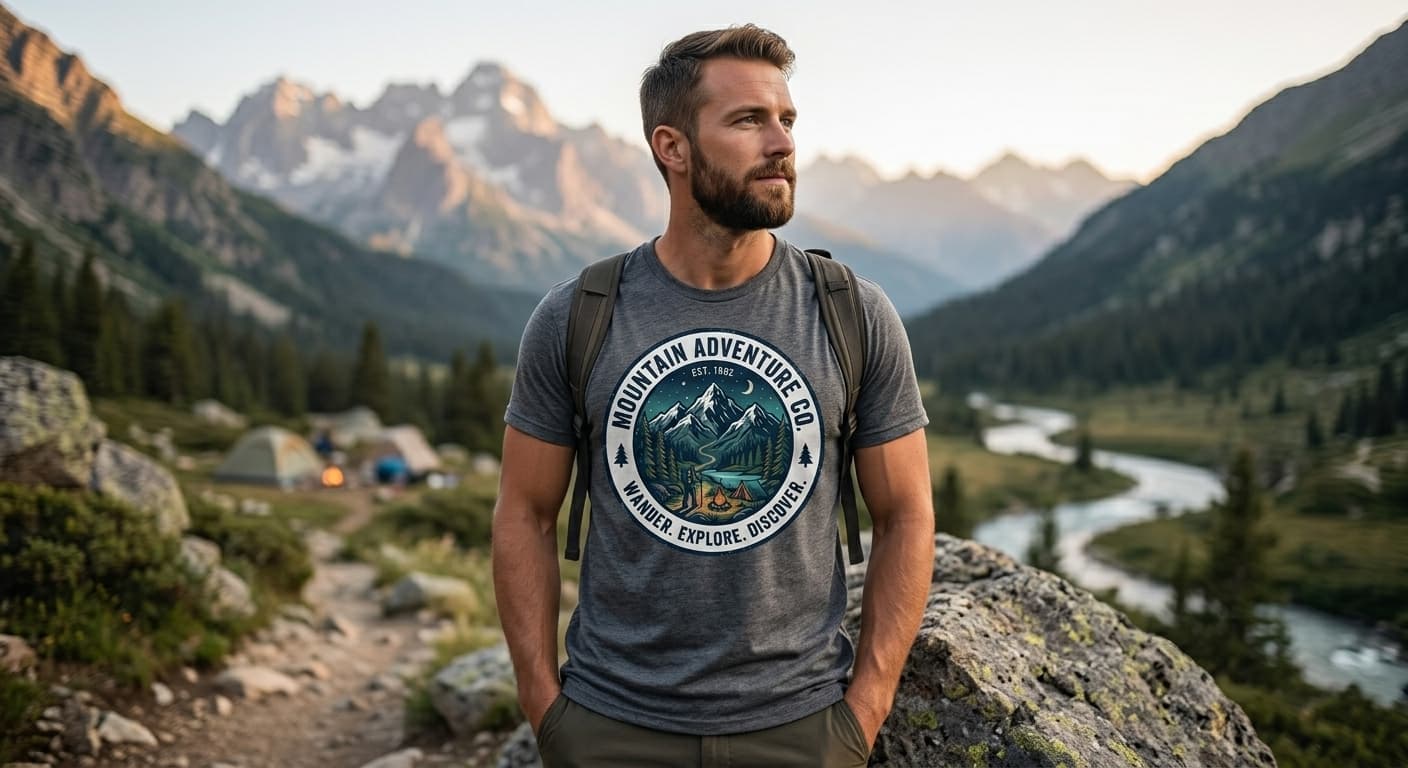
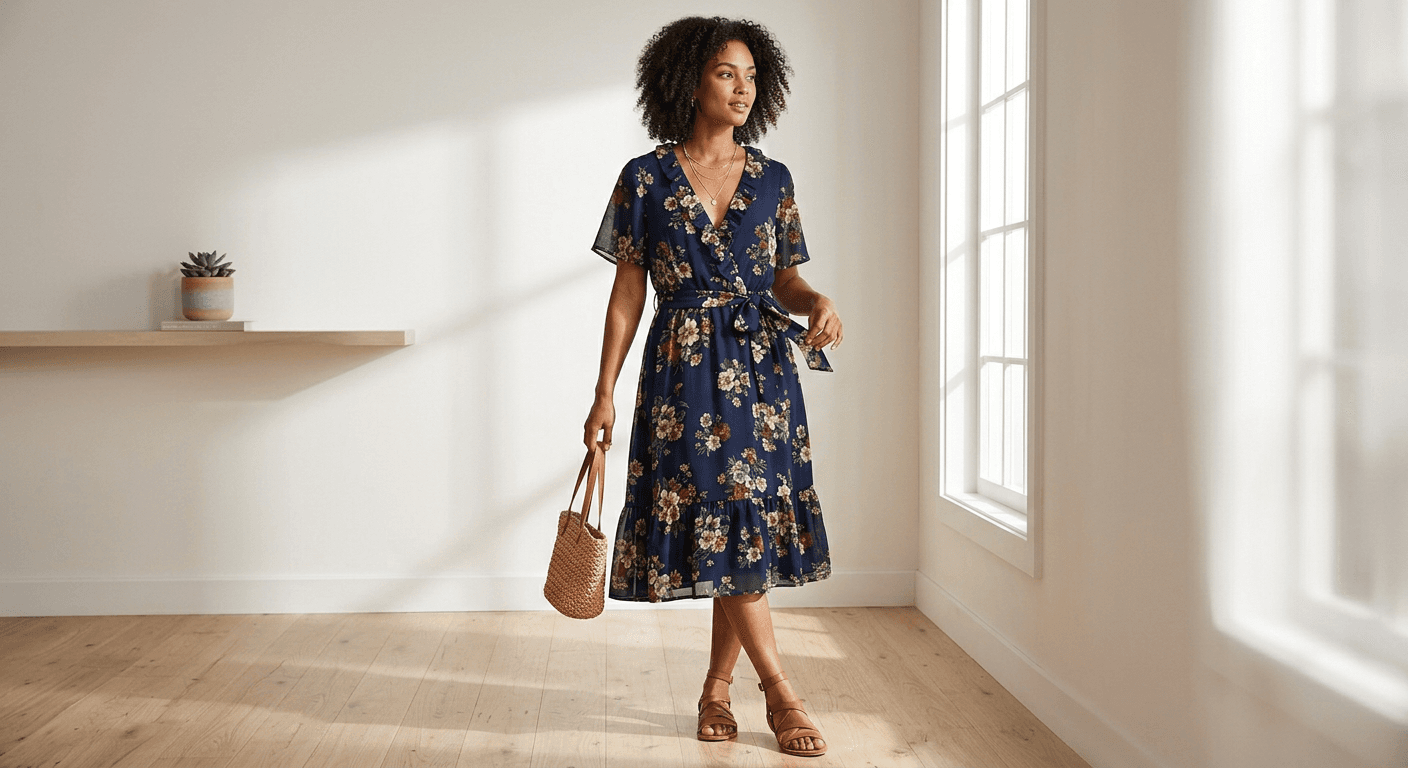
An AI fashion model generator removes that bottleneck. You keep shooting what is fast to shoot (the garment on a table or a hanger) and generate the on-model image from it. New arrivals can go live the day the stock arrives instead of waiting for the next shoot date.
What you get for each product
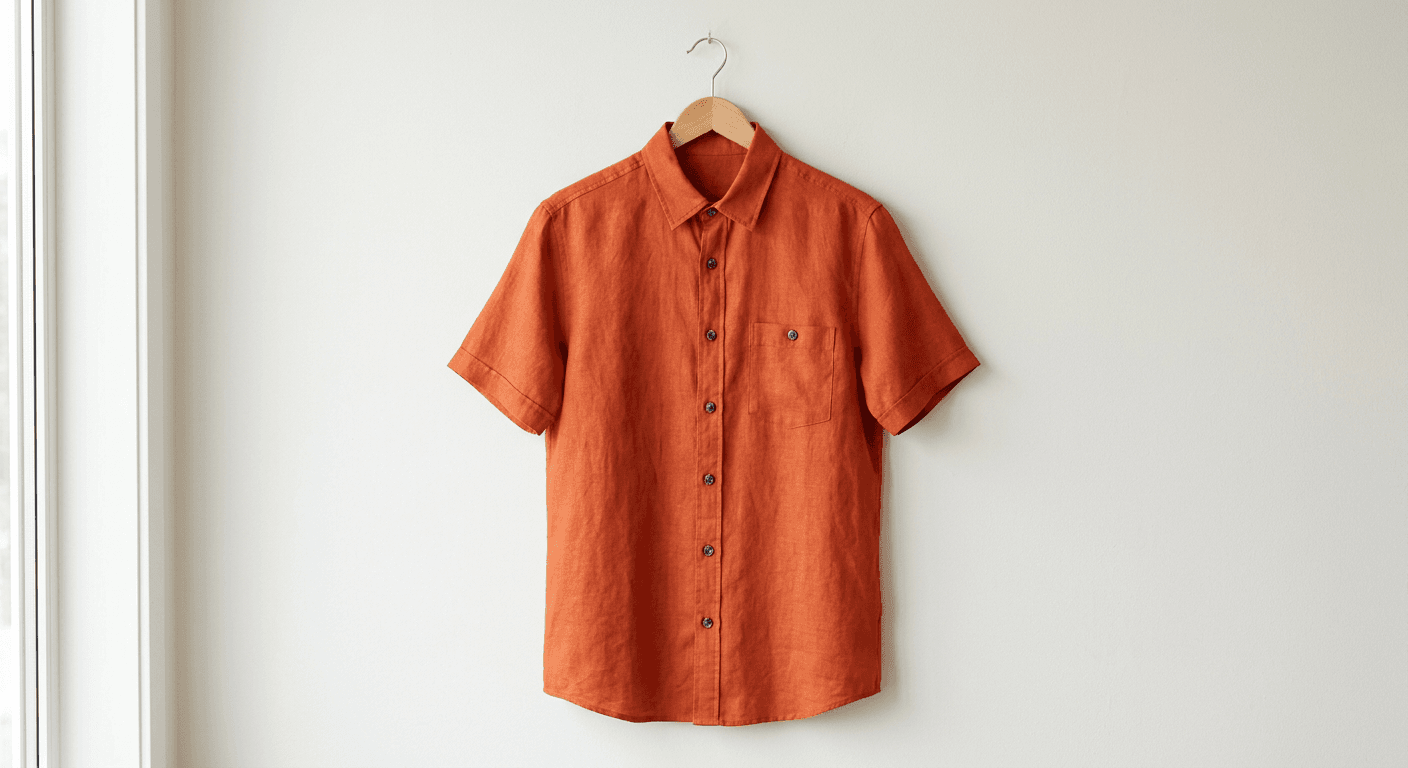
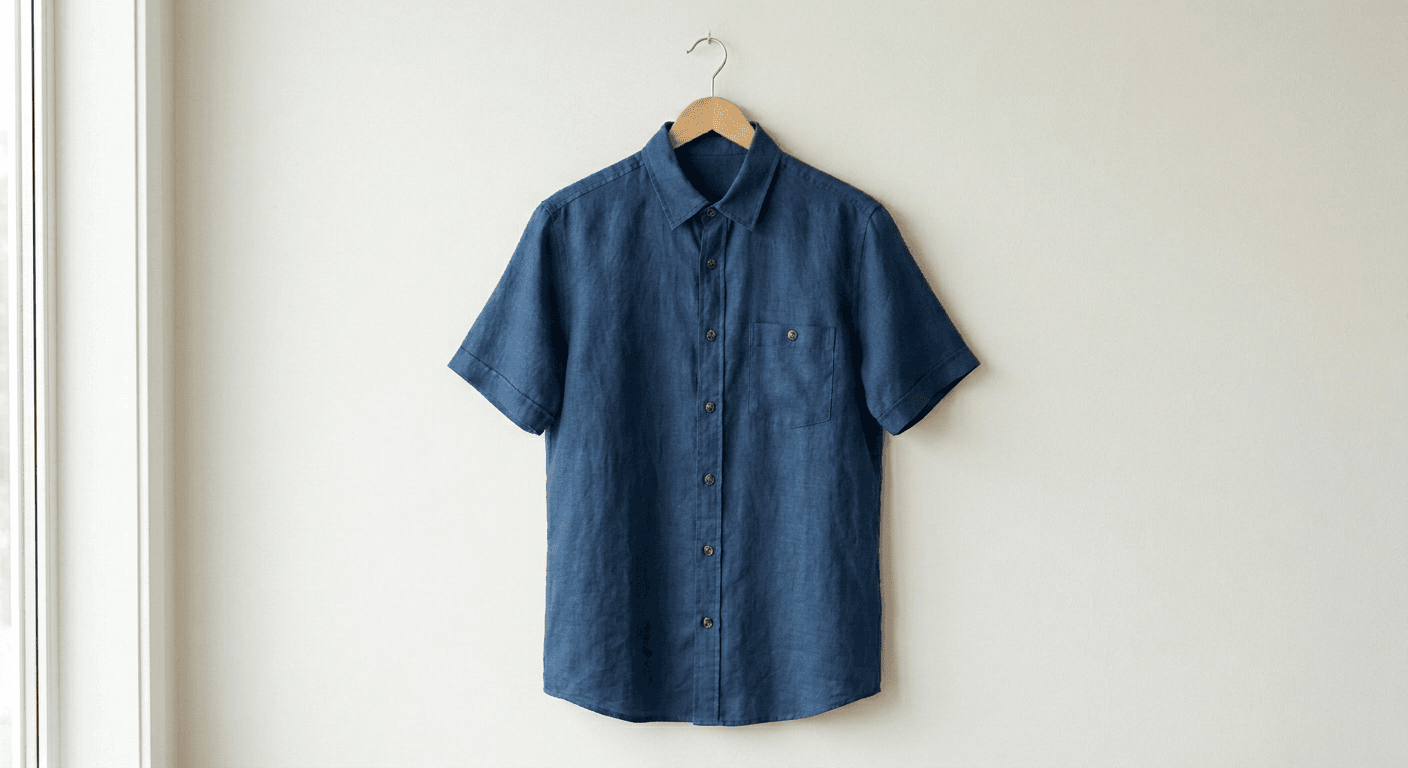
- Your garment, not a lookalike. The uploaded product photo is the reference. Colour, print, logo and cut are carried over to the model.
- Any body type and age. Petite, plus-size, tall, athletic, maternity, senior or kids. Show the same piece on several bodies to cut fit questions and returns.
- A consistent model. Keep one face and hairstyle across the collection so category pages look like a single shoot.
- Backgrounds that fit the channel. Plain white or light grey for Amazon and marketplace main images, studio grey for your own store, lifestyle scenes for ads and social.
- Angles and poses. Front, three-quarter, back, walking, seated. Generate the angle your product page template needs.
- Commercial rights. Use the images on your store, marketplaces, ads, email and print. No model release needed.
Batches, sizes and time per SKU
The studio works one garment per generation, and each image usually arrives in under a minute. A typical product page needs three to five images, so one SKU takes a few minutes including checking. A drop of 40 new products is an afternoon of work rather than a two-day shoot plus retouching.
Plans are counted in images: Starter (50 images a month) covers about 10 to 15 products at three to five images each, Pro (200 images) covers 40 to 60 products. That works out to roughly $0.40 to $0.60 per image on Starter and Pro.
Size ranges are handled the same way a real shoot would handle them: pick the body types that represent your range (for example a size 8 and a size 18) and generate the same garment on both. The garment is shown as worn by that body; the tool does not grade patterns or calculate measurements, so keep your size chart on the product page.
What to check before you publish
AI images are fast, but they are still images you are responsible for. Before a photo goes live, compare it with the physical sample: colour under neutral light, print scale, logo position, number of buttons, pocket shape and hem length. If anything drifted, regenerate with a one-line correction. Keep at least one real photo of the actual garment (the flat lay or a detail shot) in the gallery so the listing stays honest about the product.
Garments with fine text, very small repeating patterns or transparent fabrics need the most checking. Plain and mid-size patterns, knitwear, denim, outerwear and dresses usually come out right first time.
Who it is for
Shopify, WooCommerce and Etsy clothing stores that launch new products every week; marketplace sellers on Amazon, eBay and TikTok Shop who need consistent main images; small labels and print-on-demand brands that cannot justify a model shoot per drop; and agencies producing catalog imagery for several clients. If you sell clothing online and your bottleneck is photos, this is the tool to start with.
How to put your clothes on an AI model
- 1
Upload the product photo
Use the photo you already have: flat lay, hanger, ghost mannequin or store mannequin. Shoot it flat and evenly lit; the clearer the garment, the more faithful the result.
- 2
Describe the model and the scene
Body type, age, skin tone, hair, pose, and the background: plain studio grey, white for marketplaces, or a lifestyle setting such as a street or a living room.
- 3
Generate and check
Compare colour, print and logo against your sample. If something drifted, say what to fix in one sentence and generate again.
- 4
Repeat for the next angle or SKU
Reuse the model image for the next garment so the whole collection looks like one shoot. Download and upload to your store.
Plans and what you get
Paid plans only. One generated image uses one credit, whatever the garment or the background.
- Starter $19/mo · 50 images
- Pro $79/mo · 200 images
- Or a one-time $29 pack: 30 photos, no subscription
- Commercial rights
- Cancel anytime