Size-Inclusive AI Model Photos for Your Product Listings

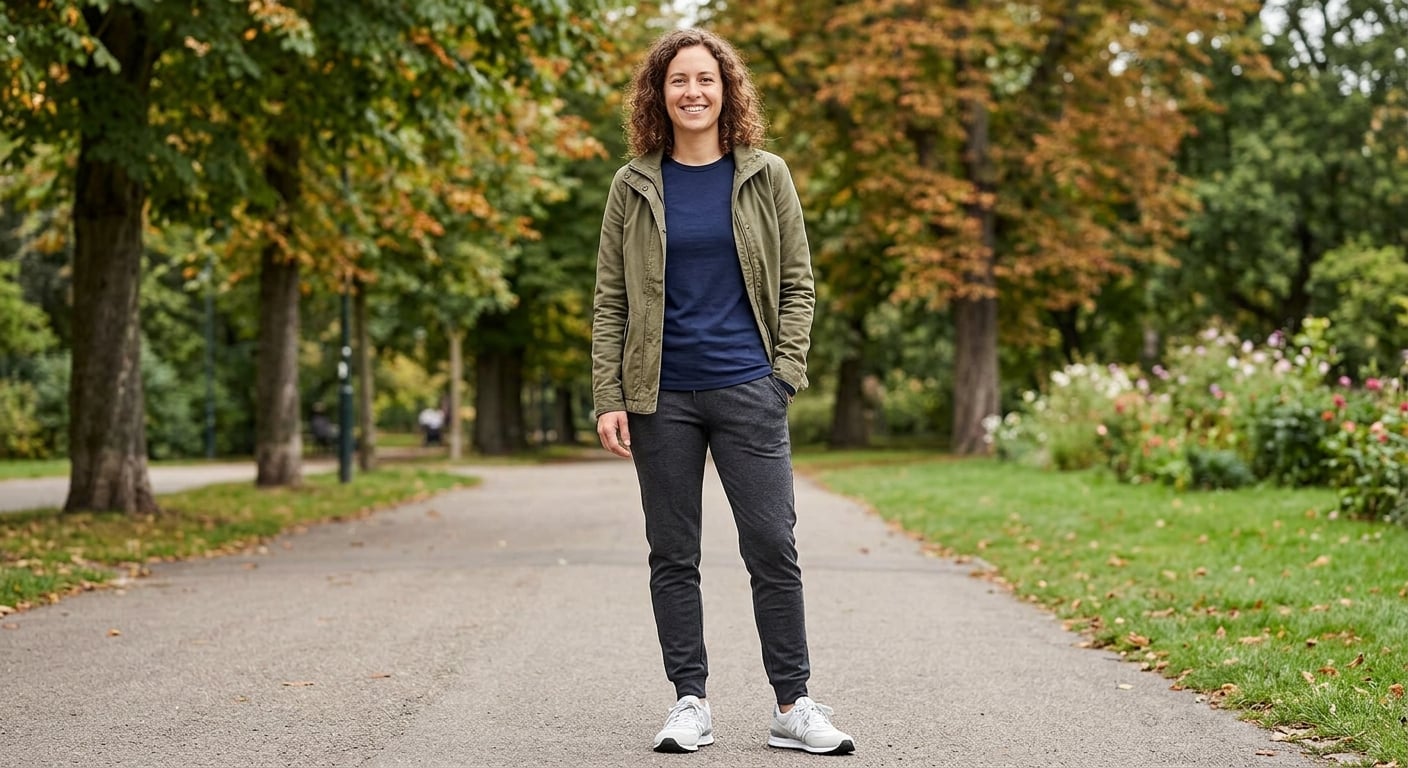
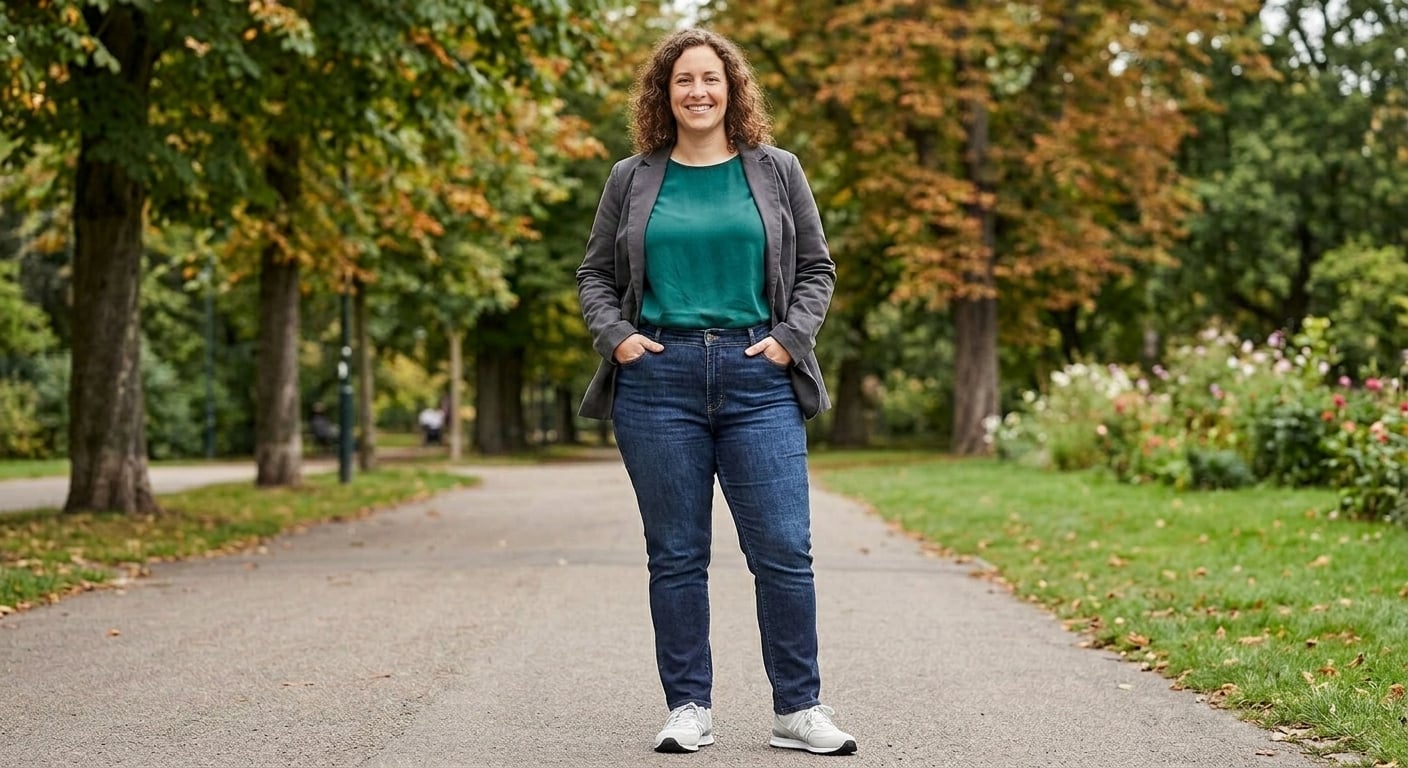
Upload one product photo and show the same garment on plus-size, mid-size and straight-size models in the same scene, so every shopper can judge the style on a body like theirs.

  • From $19/month
  • Or a $29 pack, no subscription
  • Commercial rights
  • Cancel anytime

How do I create size-inclusive AI model photos for fashion product listings?

Upload one photo of the garment, write the body you want in the prompt ("US size 18, 5'6", curvy"), and generate one image per size you want to show, keeping every other word of the prompt the same so the photos match. Check each image against the real piece, then put "Model wears size X" and your measured size chart next to the photos.

One image uses one credit, so a garment shown on three bodies costs three credits. Plans start at $19/month for 50 images. Starter is $19 every month; monthly Pro is 50% off the first month.

  1. 1

    Upload one photo of the garment

    A flat lay, hanger shot, ghost mannequin or an existing model photo all work. Shoot it straight on, in even light, with the whole piece in frame, so colour, print and buttons carry over.

  2. 2

    Write the body in plain words, one size per image

    For example "US size 18 woman, 5'6", soft curvy build", "US size 10, average build", "US size 4, petite". Keep the rest of the prompt identical (pose, background, light) so the set looks like one shoot.

  3. 3

    Generate and check each image

    Compare it with the real garment: print scale, logo position, neckline, sleeve and hem length. If something drifted, regenerate or add a short fix ("keep the hem at mid-thigh", "two front pockets").

  4. 4

    Keep the same face across sizes if you want a "same person" look

    Use the first image as the reference for the next one with "same face and hair", or the identity-consistency tool for stricter matching across the whole catalog.

  5. 5

    Label the photos in the listing

    Add "Model wears size X" under each photo and your measured size chart next to it. Say that the model photos are AI-generated; shoppers and several marketplaces expect it.

What the AI does not do: it does not know your graded measurements, so it shows the style on a body, not a guaranteed fit. Keep the size chart next to the photos.

Real outputs: one garment, different bodies

Example outputs of the studio above, each made from a single product photo.

Input: Cable-knit sweater and jeans on a slim modelBefore
AI output: Same outfit, same scene, on a curvier modelAfter
Cable-knit sweater and jeans on a slim model → Same outfit, same scene, on a curvier model
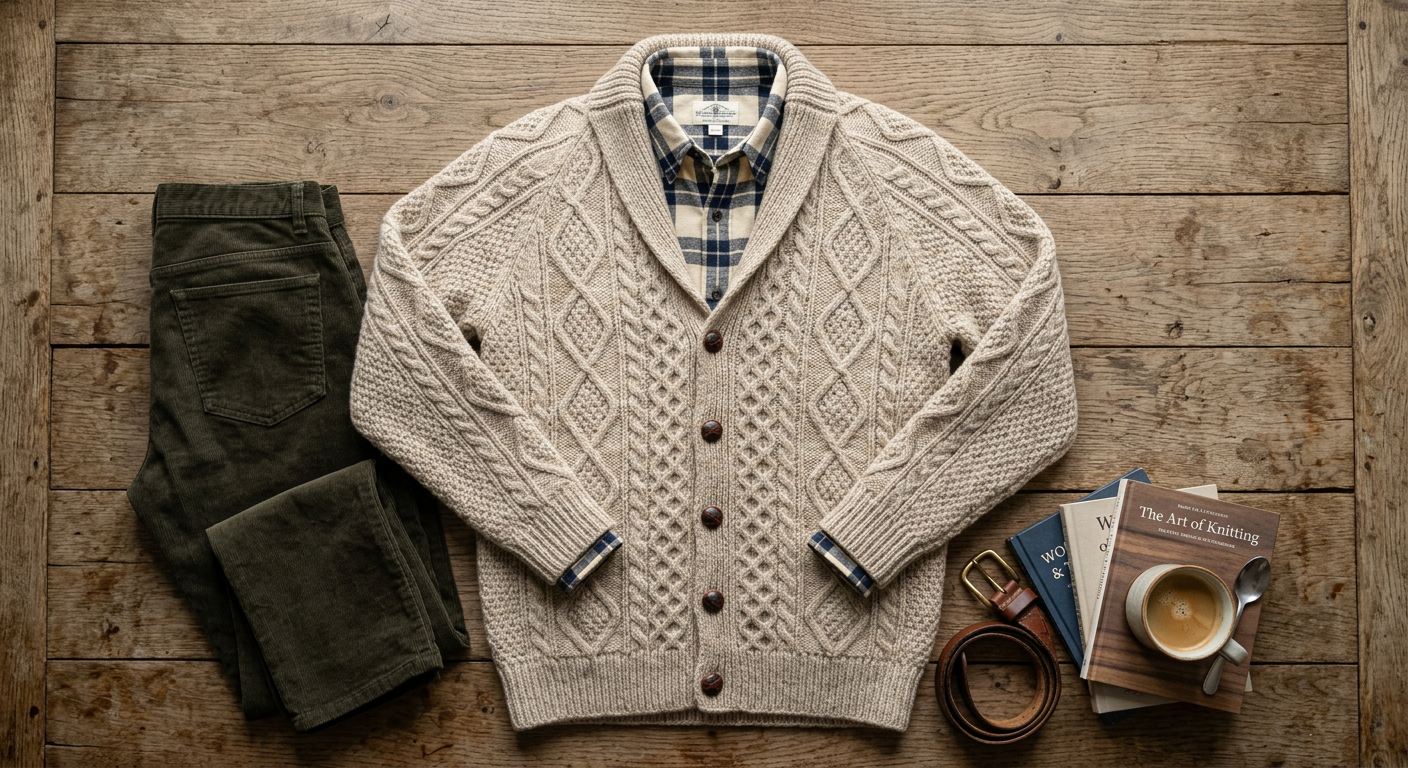
Input: Flat lay of a cardigan and trousersBefore
AI output: On a plus-size modelAfter
Flat lay of a cardigan and trousers → On a plus-size model
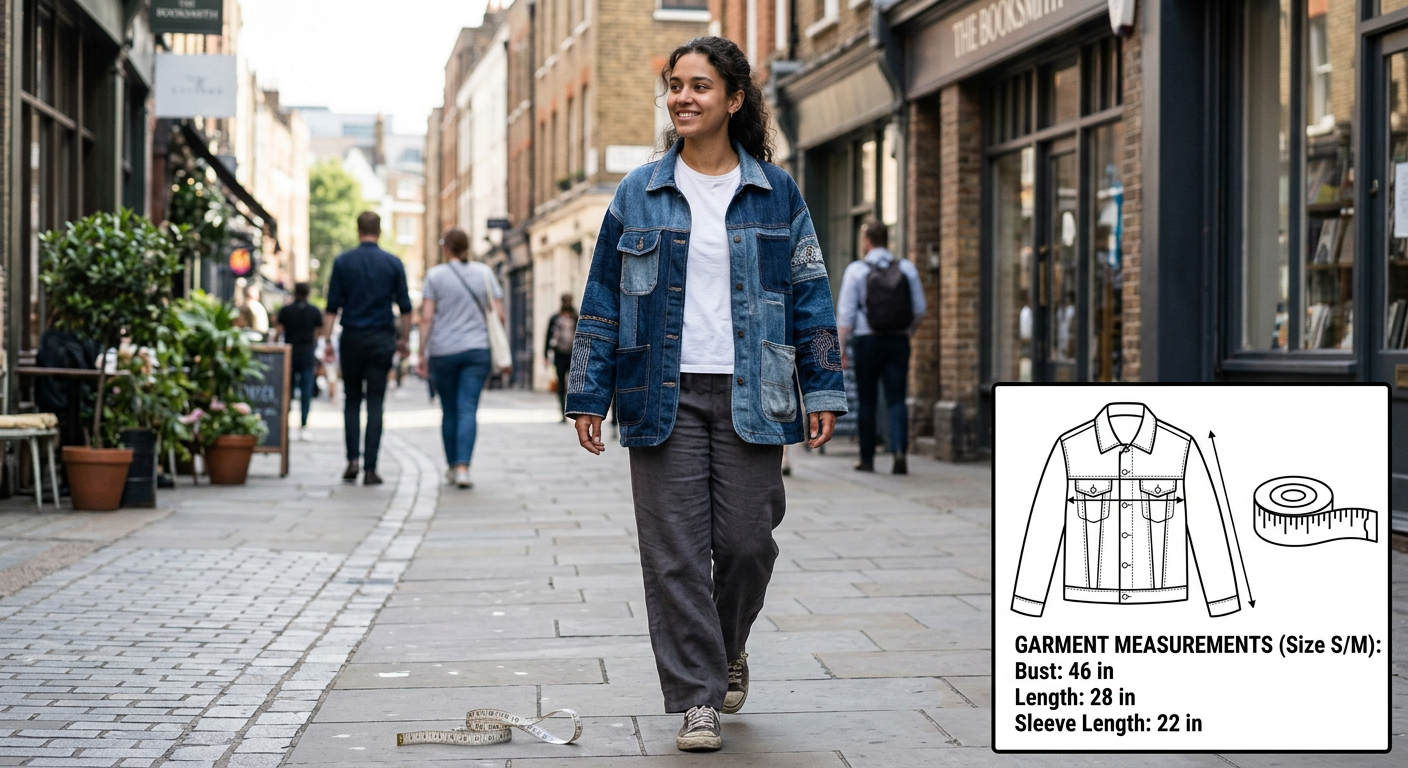
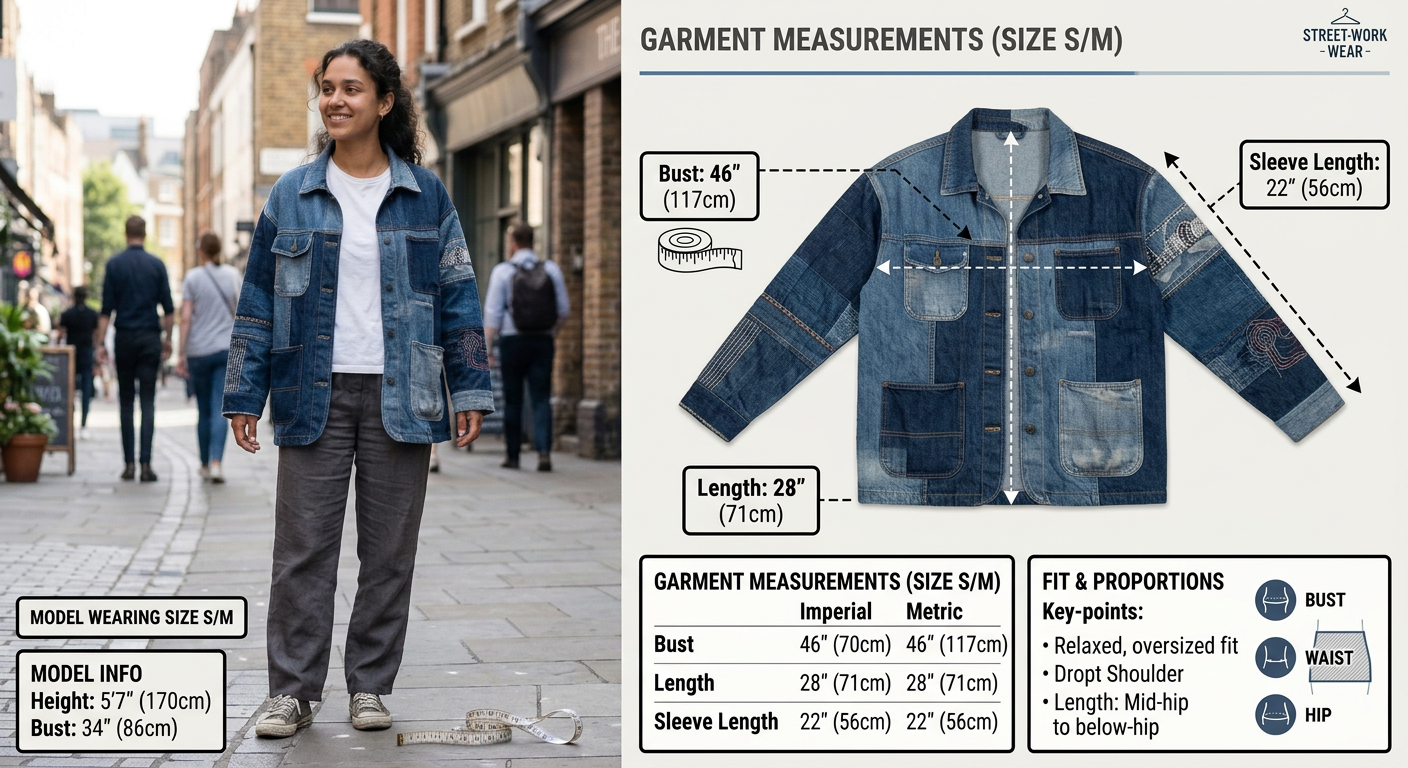
Input: On-model photo of a denim jacketBefore
AI output: Size-guide image with the garment measurementsAfter
On-model photo of a denim jacket → Size-guide image with the garment measurements

Why stores show more than one body

A shopper who wears a US 18 cannot tell from a size-4 photo where a hem lands or how a knit sits over the hips. Showing the same piece on two or three bodies answers that before the order, which is the point of a product photo.

Booking a model for every size of every SKU is what made this rare. With a photo of the garment and a written body description, a small store can show its full size range for the price of a few credits per product.

  • Same scene, different bodies. Keep pose, light and background words fixed and change only the body line, as in the sweater example above.
  • Flat lay in, model out. No sample on a model needed. A flat lay of a cardigan and trousers became the plus-size photo above.
  • Size guide images. Turn an on-model photo into a measurement graphic with the ecommerce size-guide tool.

Plans and what you get

Paid plans only. One generated image uses one credit, whatever the garment or the background.

  • Starter $19/mo · 50 images
  • Pro $79/mo · 200 images
  • Or a one-time $29 pack: 30 photos, no subscription
  • Commercial rights
  • Cancel anytime

Size-inclusive AI model photos: questions from stores

How do I create size-inclusive AI model photos for fashion product listings?

Upload one photo of the garment, describe the body you want in the prompt (for example "US size 18, 5'6", curvy"), and generate one image per size you want to show with the same scene words, so the set matches. Check each image against the real garment, then add the size the model wears and your size chart to the listing. Each image uses one credit; plans start at $19/month for 50 images.

Does the AI show how my garment really fits a size 18 body?

No tool that works from a photo can promise that. The AI draws a realistic drape for the body you describe, but it does not know your graded measurements or the fabric stretch. Use the photos to show the style on different bodies, and pair them with a measured size chart; for exact fit, a fit sample on a real body is still the reference.

Which sizes should I show?

Most stores show the garment on two or three bodies that cover their range, for example a straight size, a mid-size and a plus size (US 4 to 8, 12 to 14, 18 to 22). Show the sizes you actually sell.

Can I keep the same model face across different sizes?

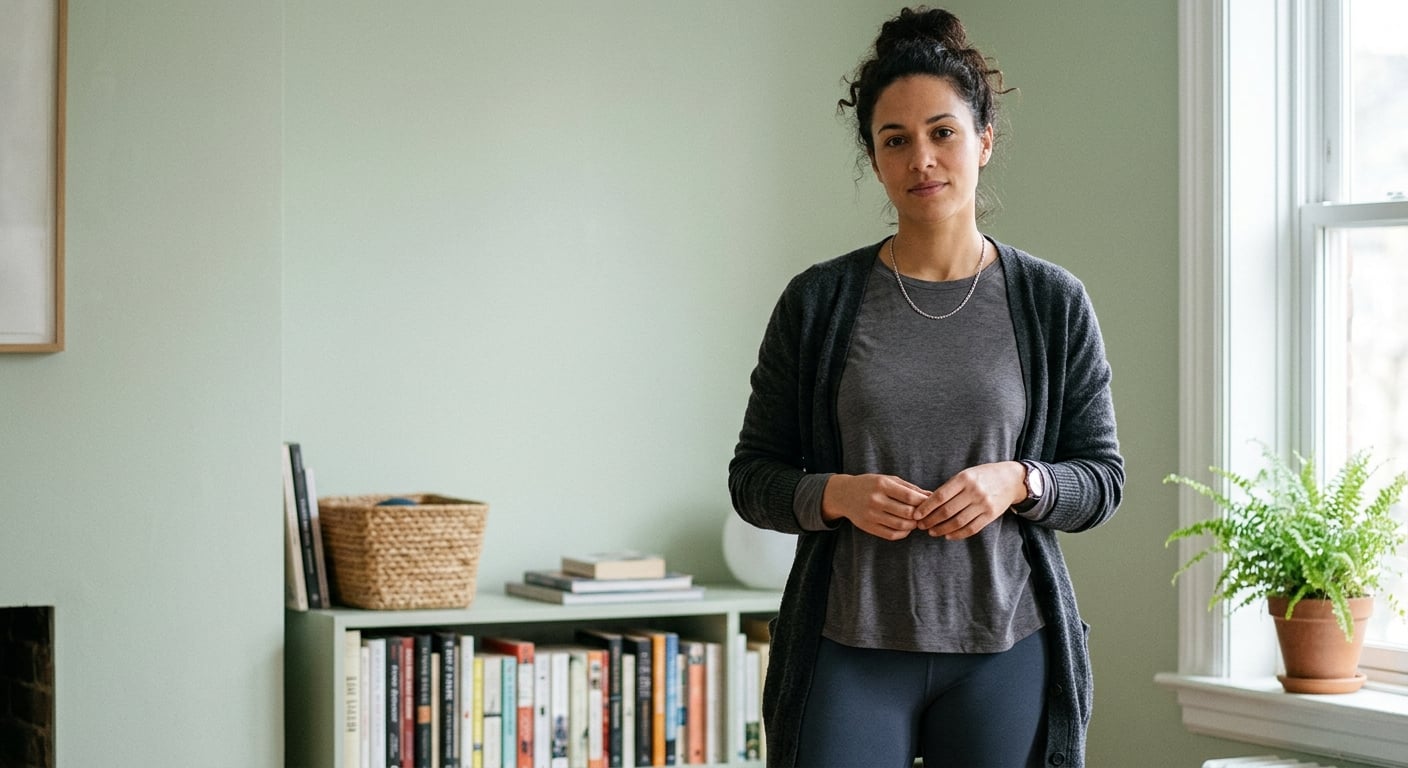
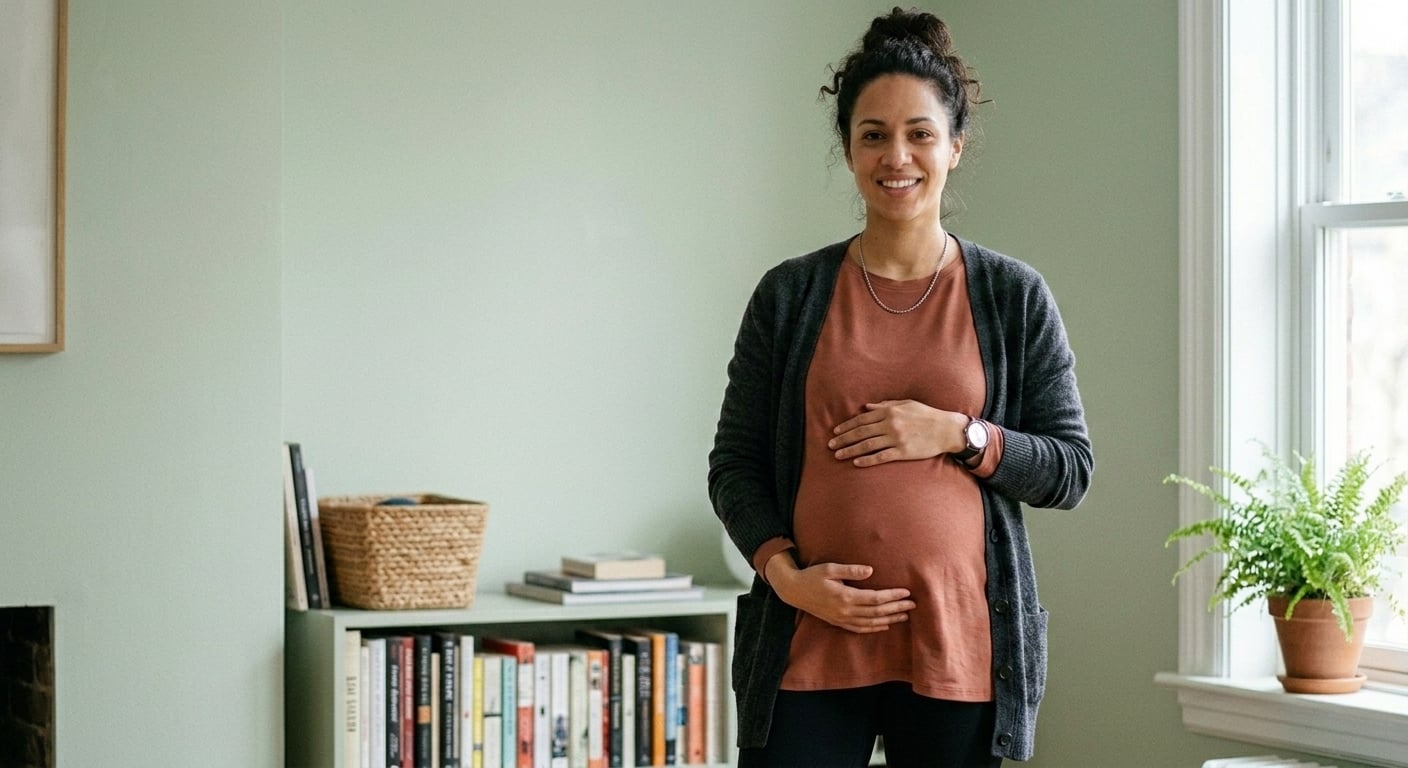
You can keep the face, hair and skin tone similar by using a previous image as the reference and writing "same face and hair", or with the identity-consistency tool. A different body size is still a new image, so check that the face matches before you publish.

Can I use the images commercially?

Yes. Every paid plan includes commercial use of the images you generate, on your product pages, marketplaces, ads and social media. AI models need no model release.

Is there a free version?

No. 4 Fashion AI is a paid tool: Starter $19/month for 50 images, Pro $79/month for 200 images. Starter is $19 every month, monthly Pro is 50% off the first month, and you can cancel anytime. A one-time Collection pack is $29 for 30 photos.