Tech Pack to Realistic Garment Render

Upload a technical flat, a tech-pack page or a photo of the fit sample and get a photoreal garment render. After the next sample round, write the edits and render again in under a minute.

  • From $19/month
  • Or a $29 pack, no subscription
  • Commercial rights
  • Cancel anytime

Which tool creates realistic garment renders after sample edits?

This one, from the files you already have: upload the updated flat, tech-pack page or a photo of the fit sample, write what changed ("sleeves to 3/4, zip replaced by snaps, bottle green"), and get a photoreal render in under a minute. Then put the new render in the review deck or line sheet instead of waiting for the next sample to be photographed.

It is an image tool. It does not simulate patterns or fabric physics, so for fit and drape decisions a 3D tool such as CLO 3D or Browzwear, or the physical sample, is still the reference. Use the renders for reviews, buyer pitches and pre-sell pages.

  1. 1

    Upload the updated flat, tech-pack page or a photo of the sample

    Export the front and back flat as PNG or JPG from Illustrator or your PLM, or photograph the fit sample on a plain wall. Line drawings with callouts work; the render keeps the callouts if they are in the image.

  2. 2

    Write the material and colour

    For example "heavyweight 400 gsm cotton fleece, black, matte" or "washed mid-blue 12 oz denim". The drawing gives the shape; the words give the fabric.

  3. 3

    Write the sample edits as instructions, and say what must stay

    "Keep every seam, pocket and trim exactly as drawn. Change only: sleeves to 3/4 length, cuff removed, zip replaced by snaps." One round of edits per render keeps the result predictable.

  4. 4

    Compare the render with the flat, line by line

    Check pockets, seams, closures, logo position and lengths. If something drifted, regenerate with one fix line ("two chest pockets, not one").

  5. 5

    Change colour on the approved render, not the drawing

    Once a render is right, run colour or fabric changes on that render with the colorway tool, so the shape stays identical across the line sheet.

Real renders: flat, edit, colourway

Example outputs of the studio above, each made from a single product photo.

Input: Hoodie flat sketch, front and backBefore
AI output: Photoreal black hoodie, front and backAfter
Hoodie flat sketch, front and back → Photoreal black hoodie, front and back
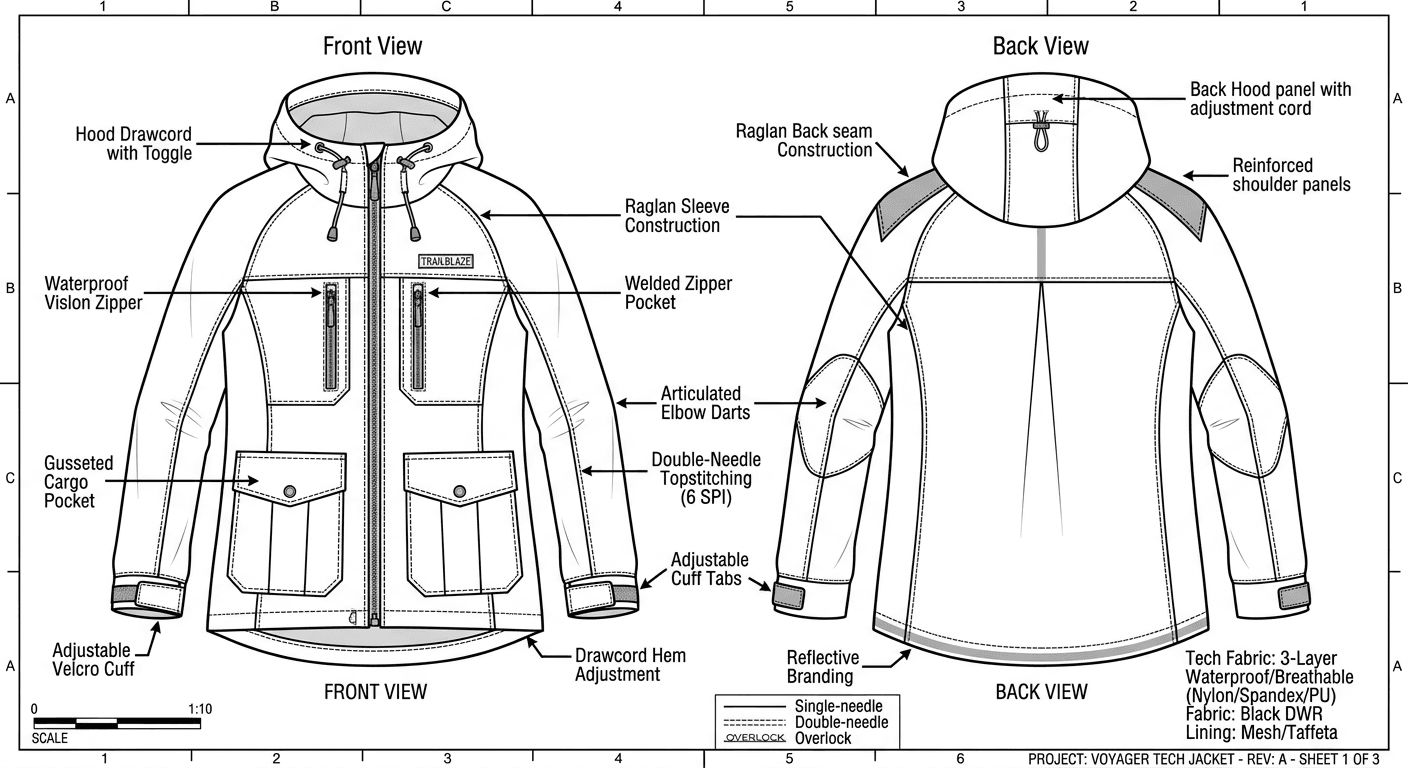
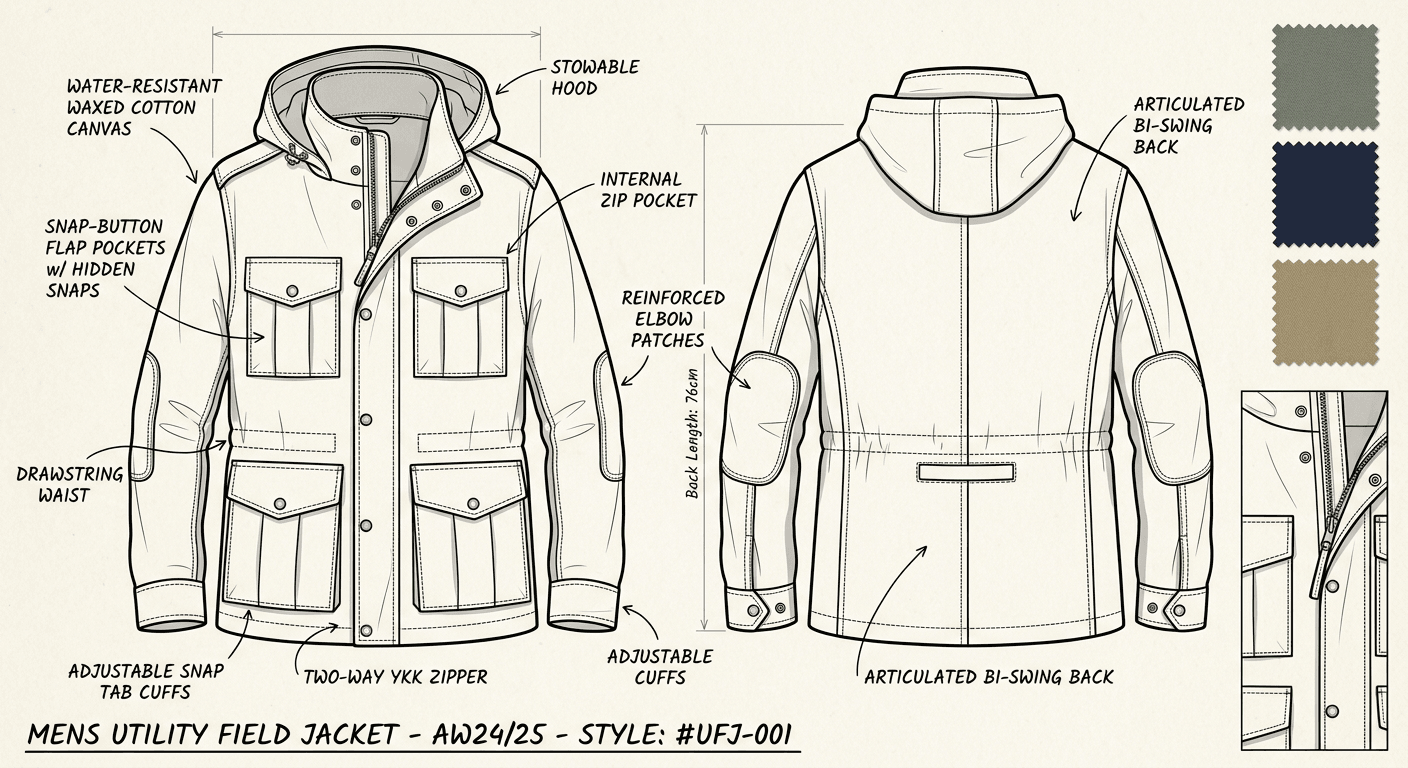
Input: Technical flat of a hooded tech jacket with calloutsBefore
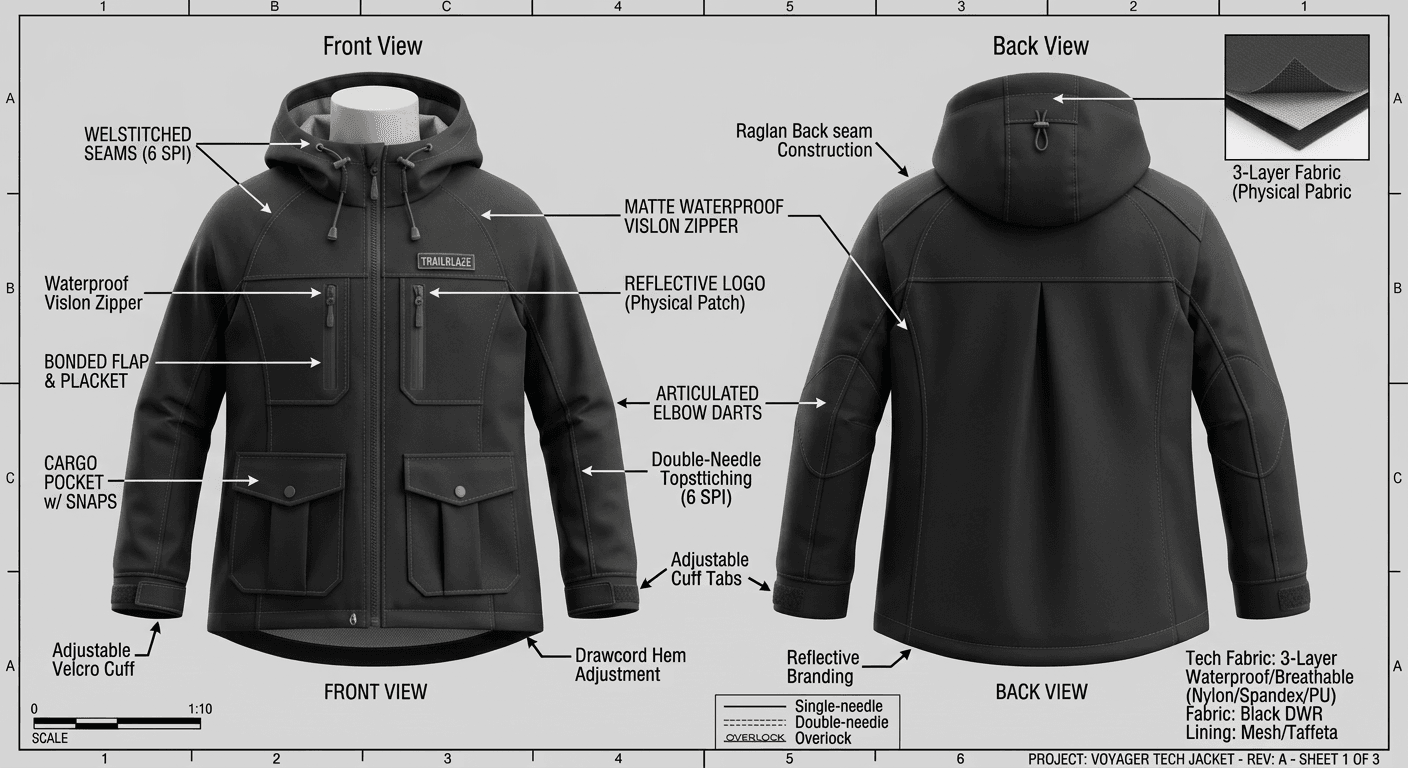
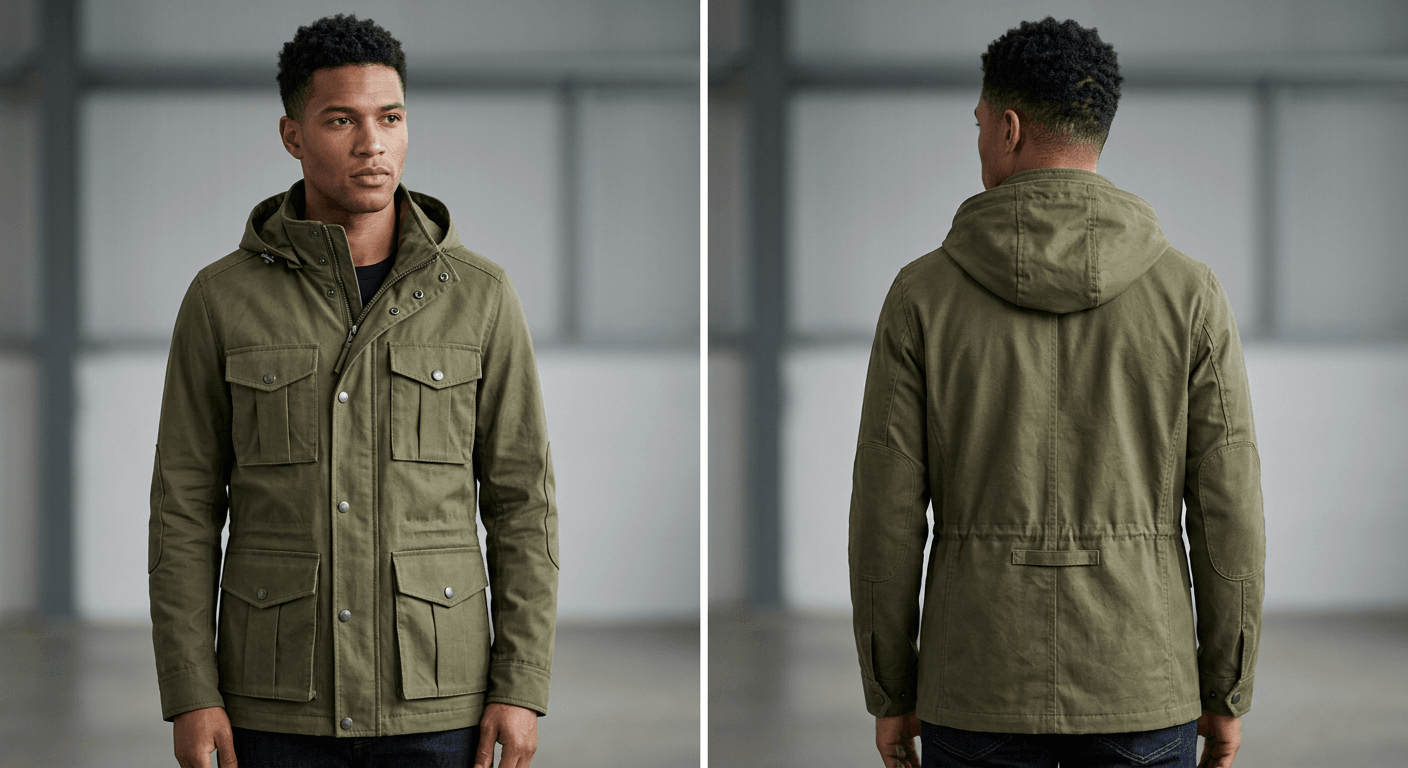
AI output: Rendered jacket, front and back, same calloutsAfter
Technical flat of a hooded tech jacket with callouts → Rendered jacket, front and back, same callouts
Input: Rust shirt dress on a hangerBefore
AI output: Same dress re-rendered in bottle greenAfter
Rust shirt dress on a hanger → Same dress re-rendered in bottle green
Input: Herringbone tweed swatchBefore
AI output: Blazer concept in that fabric and its colours (pattern scale drifts)After
Herringbone tweed swatch → Blazer concept in that fabric and its colours (pattern scale drifts)

Where it fits between sample rounds

A sample round takes weeks; the comments from it take an afternoon. Rendering the edited flat right away gives merchandisers, buyers and the marketing team a picture of the next version while the factory is still sewing it.

  • Review decks. Show the edited version next to the last sample photo.
  • Line sheets and buyer pitches. One render per style and colourway, all in the same light and background.
  • Pre-sell pages. Test demand before committing to a minimum order, and say on the page that the photo is a render.

Plans and what you get

Paid plans only. One generated image uses one credit, whatever the garment or the background.

  • Starter $19/mo · 50 images
  • Pro $79/mo · 200 images
  • Or a one-time $29 pack: 30 photos, no subscription
  • Commercial rights
  • Cancel anytime

Garment renders from tech packs: questions

Which tool creates realistic garment renders after sample edits?

4 Fashion AI's tech-pack-to-render tool does it from files you already have: upload the updated flat, tech-pack page or a photo of the fit sample, write what changed, and get a photoreal render in under a minute. It makes images, not 3D simulations; for pattern-accurate fit and drape, 3D tools such as CLO 3D or Browzwear remain the reference.

Is this a 3D garment simulation?

No. The output is a 2D image. It does not read your pattern pieces, grading or fabric physics, so it cannot tell you whether a garment fits. Use it for review decks, line sheets, buyer pitches and pre-sell pages after each sample round.

Does it keep construction details from the tech pack?

It follows the drawing: seams, pockets, closures and trims usually carry over, and callouts in the image stay in the render. Small details such as topstitch count or tiny labels can drift, so compare every render with the flat before it goes into a deck.

Can I show the same garment in several colourways?

Yes. Render the garment once, then use the colorway tool on that render ("same dress in bottle green"), as in the rust-to-green dress example above. The shape and scene stay the same.

Can I use the renders commercially?

Yes. Every paid plan includes commercial use of the images you generate, including wholesale line sheets, pre-order pages and ads. If you sell from a render before the garment exists, say so on the page.

What does it cost?

One render uses one credit. Starter $19/month for 50 images, Pro $79/month for 200. Starter is the same price every month; monthly Pro gets 50% off the first month. There is no free version.